A cracked or damaged MacBook screen can be frustrating, especially when the device itself still works. Many people immediately wonder whether they should repair the screen or put that money toward a new computer.
The answer depends on several factors, including the MacBook model, the type of damage, the age of the device, and how well the computer performs overall. A cracked MacBook screen does not always mean the entire laptop needs to be replaced.
Understanding your options can help you make a better decision instead of spending money on a replacement when a repair may solve the problem.
For customers in Bradenton, Lakewood Ranch, Sarasota, and surrounding areas, Computers Repair Plus helps customers evaluate computer problems and understand available repair options based on the actual condition of their devices.
If you are unsure whether your damaged MacBook is worth repairing, contact Computers Repair Plus or call (941) 567-6431 to discuss your options.
Common Types of MacBook Screen Damage
Not every screen problem is the same. The type of damage can determine whether repair is practical and what components may need attention.
Cracked MacBook Screen
A cracked MacBook screen is one of the most common reasons people seek repair. A drop, impact, or pressure on the display can cause:
- Visible cracks or spiderweb patterns
- Black spots on the display
- Lines across the screen
- Flickering images
- A completely unusable display
In many cases, the computer itself may still be working normally, but the damaged display prevents regular use.
Display Problems Without Visible Cracks
A MacBook screen does not always need to be physically broken to have a problem.
Other display issues may include:
- A screen that stays black
- Flickering or flashing images
- Incorrect colors
- Backlight problems
- Intermittent display failure
These symptoms can sometimes involve other internal components, not only the screen itself.
When Is MacBook Screen Repair Usually Worth It?
Repairing a MacBook screen often makes sense when the rest of the computer is still in good condition.
Consider repair if:
- The MacBook is relatively newer
- The keyboard and trackpad work properly
- The battery still performs well
- The storage and performance meet your needs
- The damage is limited to the display
A screen repair can extend the usable life of a device that still meets your daily needs.
Many people replace computers too quickly because of one damaged component. A professional evaluation can help determine whether the screen is the only issue.
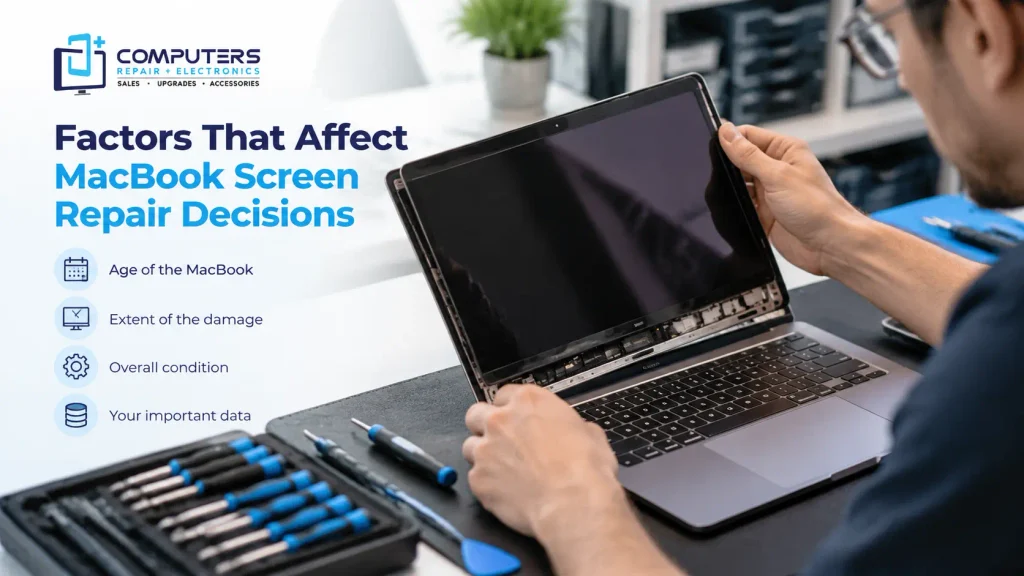
Factors That Affect MacBook Screen Repair Decisions
There is no single answer for every MacBook because each repair situation is different.
The Age of the MacBook
A newer MacBook with a damaged display may be a good candidate for repair because the remaining hardware may still have many useful years ahead.
An older MacBook may require more consideration, especially if it already has other issues such as:
- Poor battery performance
- Slow operation
- Limited storage
- Hardware compatibility concerns
The goal is to compare the repair needs with the overall condition of the device.
The Extent of the Damage
A screen that has visible cracks may have damage limited to the display assembly.
However, a significant impact can sometimes affect other components, including:
- Hinges
- Internal cables
- Logic board connections
- Outer casing
A proper inspection can help identify whether the repair is straightforward or whether additional issues are present.
The Importance of Your Data
Many people store important information on their MacBook, including:
- Work files
- Photos
- Personal documents
- School projects
- Business information
Before replacing a damaged device, consider whether your data has been safely backed up.
If a damaged MacBook has startup problems or other hardware failures, Data Recovery & Backup services may help determine whether your important files can be accessed.
Signs You May Want to Replace Instead of Repair
While screen repair is often a practical option, there are situations where replacement may make more sense.
Replacement may be worth considering if:
- The MacBook has multiple major problems
- The device no longer supports your software needs
- Performance is significantly below your requirements
- Repair would not provide enough additional useful life
For example, a MacBook with a broken screen and failing battery may require a broader evaluation than a device with only display damage.
The right decision is not only about the screen it is about the condition and usefulness of the entire computer.
What Should You Do After a MacBook Screen Breaks?
After your MacBook screen is damaged, avoid making the problem worse.
Protect the Device
If the screen has sharp cracks or exposed areas:
- Avoid pressing on the damaged display
- Do not carry the MacBook by the damaged screen area
- Keep liquids away from the device
- Store it safely until it can be evaluated
Back Up Important Files If Possible
If the MacBook still turns on and you can access your files, creating a backup is a good idea before any repair.
This protects your information in case additional problems are discovered during the repair process.
Professional MacBook Screen Repair vs DIY Replacement
Some people consider replacing a MacBook screen themselves after watching online repair videos.
However, MacBook displays are integrated assemblies that require specialized tools and careful handling.
DIY repairs can create additional problems, such as:
- Damaged internal cables
- Broken connectors
- Incorrect installation
- Additional hardware damage
Professional MacBook screen repair helps ensure the problem is properly diagnosed before parts are replaced.
For customers looking for MacBook screen replacement in Bradenton, understanding the cause of the damage is an important first step.
What Happens During a MacBook Screen Repair Evaluation?
A proper evaluation usually involves checking more than just the visible damage.
A technician may need to determine:
- Whether the display assembly is damaged
- Whether internal components were affected
- Whether the MacBook powers on correctly
- Whether other hardware issues exist
This helps prevent replacing the screen when another problem is actually causing the symptoms.
Computers Repair Plus helps customers understand their computer issues and choose repair options based on the device’s condition.
Frequently Asked Questions
Is MacBook screen repair worth the money?
It depends on the MacBook’s age, condition, and the extent of the damage. A newer MacBook with only screen damage is often a better repair candidate than an older device with multiple problems.
Can a cracked MacBook screen damage the computer further?
A cracked screen does not always damage other components, but continued use can sometimes make the problem worse, especially if the display has exposed areas or internal damage.
Should I repair or replace my MacBook with a broken screen?
Consider the overall condition of the device. If the MacBook still performs well and meets your needs, repair may be a practical option. If it has several issues, replacement may make more sense.
How do I know if my MacBook screen or another component is damaged?
Display symptoms can sometimes come from different causes. A professional diagnosis can help determine whether the issue is the screen, internal connections, or another hardware component.
Can my files be recovered from a MacBook with a broken screen?
Yes, in many cases files may still be accessible if the storage system is functioning. The recovery options depend on the condition of the device.
Is Apple computer repair available for older MacBooks?
Repair options depend on the specific model and type of damage. A professional evaluation can help determine whether repairing the device is practical