When your computer stops working properly, finding a reliable repair shop nearby can feel overwhelming. A quick search for “computer repair near me” may show many options, but choosing the right technician requires more than picking the first result you see.
Your computer may contain important files, personal information, business documents, and valuable data. The wrong repair decision can lead to unnecessary costs, lost information, or repairs that do not actually solve the problem.
Whether you are dealing with a slow computer, hardware failure, virus issues, a broken laptop, or a device that will not turn on, choosing a trustworthy repair provider helps ensure you understand the problem and your available options.
Need help understanding your computer issue? Contact Computers Repair Plus or call (941) 567-6431 to discuss your repair needs and find out what solution may be right for your device.
What Should You Consider When Choosing a Computer Repair Shop?
A good computer repair shop should do more than fix the immediate problem. The right technician should help you understand what happened, explain your options clearly, and recommend solutions based on your actual needs.
Here are the most important factors to consider before choosing a repair provider.
1. Look for Experience With Your Type of Problem
Not every computer issue is the same. A simple software problem requires a different approach than hardware failure, data recovery, or motherboard-related repairs.
Before choosing a repair shop, consider whether they handle problems such as:
- Slow computers and performance issues
- Laptop problems
- Hardware upgrades
- Virus and malware issues
- Data recovery
- Custom computer builds
- Device troubleshooting
A technician who understands different types of problems can better identify the actual cause instead of only treating the symptoms.
2. Choose a Shop That Provides Proper Diagnosis
One of the most important parts of computer repair is accurate diagnosis.
A computer may appear slow because of many different reasons, including:
- Failing storage drives
- Insufficient memory
- Software conflicts
- Malware
- Hardware limitations
- Operating system issues
Replacing parts without identifying the real problem can waste time and money.
A reliable computer repair provider should explain:
- What is causing the issue
- What repair options are available
- Whether repair is practical
- Whether replacement makes more sense
The goal should be helping you make an informed decision.
3. Check the Range of Services Available
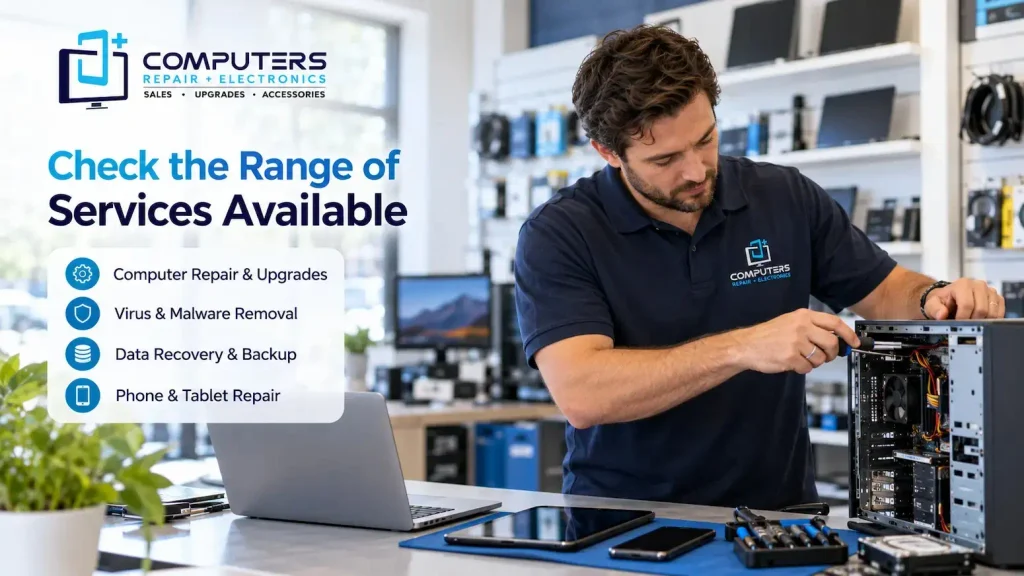
A good local computer shop should be able to support different types of technology needs instead of focusing on only one type of repair.
For example, customers may need help with:
Computer Repair & Upgrades
Performance issues, hardware problems, system errors, and component upgrades often require professional troubleshooting. A proper repair evaluation can determine whether your existing computer can be improved.
Virus & Malware Protection and Removal
Security problems can affect computer performance and put personal information at risk. Professional Virus & Malware Protection and Removal can help identify unwanted programs and address security concerns.
Data Recovery & Backup
If a computer fails, important files may still be recoverable. Data Recovery & Backup support can help protect valuable documents, photos, and other important information.
Phone & Tablet Repair
Many customers rely on multiple devices every day. A repair provider that also handles Phone & Tablet Repair can be useful when mobile devices experience hardware or performance problems.
The right service provider should match your specific situation rather than offering unnecessary repairs.
4. Consider Local Knowledge and Availability
Choosing a local repair provider can make communication easier. A nearby technician understands the needs of customers in the area and can provide more direct support.
For customers searching for best computer repair Bradenton, PC repair near me, or a computer shop Bradenton, it is helpful to look for a provider serving the local community, including areas such as Bradenton, Lakewood Ranch, Sarasota, and surrounding locations.
Local availability can be especially valuable when you need hands-on assistance instead of only remote support.
5. Pay Attention to How They Explain Problems
Technical issues can be confusing, especially when you are not familiar with computer hardware or software.
A trustworthy repair provider should explain problems in a way that makes sense. You should understand:
- What failed
- Why it happened
- What your repair options are
- What steps can prevent future problems
Be cautious of explanations that are unclear or pressure you into immediate decisions without understanding the situation.
6. Ask About Repair Versus Replacement Options
Sometimes repairing a computer is the best choice. Other times, replacing it may be more practical.
A good technician should consider factors such as:
- Device age
- Hardware condition
- Repair requirements
- Your daily computer needs
For example, adding storage, upgrading memory, or improving performance may extend the useful life of a computer.
However, if a system is outdated or cannot support your needs, replacement may be a better investment. New Computer Sales can help customers choose a system based on their actual requirements.
For users who need a computer designed for specific performance needs, such as gaming or specialized workloads, a Custom Built PC may also be an option.
7. Think About Data Protection
Your computer may contain important personal or business information. Before any major repair, consider how your data will be protected.
Important questions to consider:
- Are important files backed up?
- Could the issue affect my storage drive?
- Do I need help recovering files?
A repair process should consider both fixing the device and protecting your information.
Common Mistakes People Make When Choosing Computer Repair
When searching for computer repair near me, many people focus only on price. While cost matters, the cheapest option is not always the best solution.
Some common mistakes include:
- Choosing a provider without checking services
- Ignoring customer communication quality
- Approving repairs without understanding the problem
- Delaying repairs when data may be at risk
A reliable repair experience depends on trust, communication, and accurate troubleshooting.
Why Professional Computer Diagnosis Matters
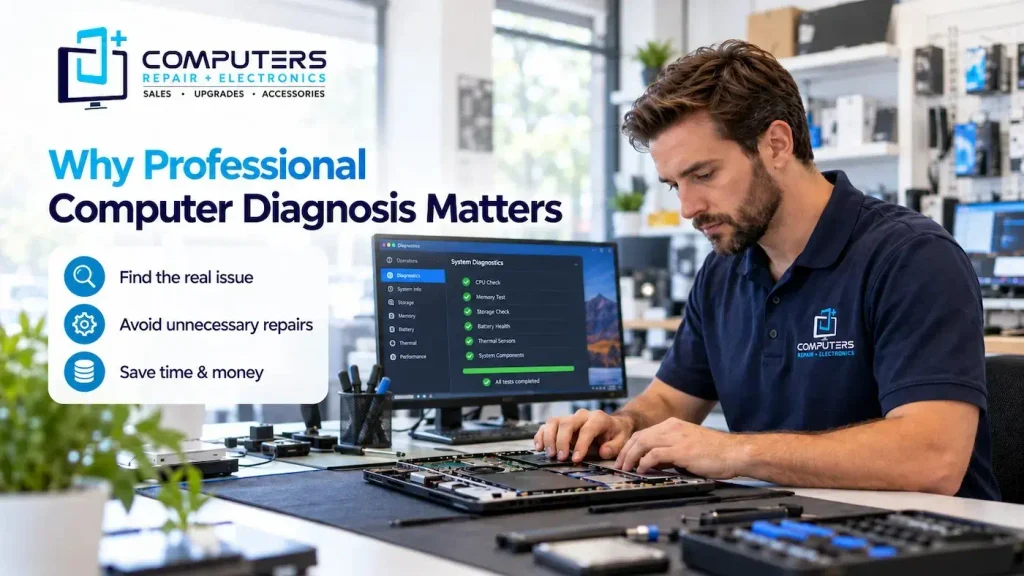
Many computer problems have similar symptoms but completely different causes.
For example, a slow computer could need:
- Software cleanup
- Malware removal
- Hardware upgrades
- Storage replacement
- Operating system repair
A professional local computer technician can evaluate the system and help determine the most practical solution.
For customers looking for computer repair Bradenton, understanding the cause of the issue is the first step toward making the right repair decision.
Frequently Asked Questions
How do I choose the best computer repair shop near me?
Look for a repair shop that offers proper diagnosis, clear explanations, relevant services, and experience handling your type of computer problem.
How much does computer repair usually cost?
The cost depends on the type of problem, required parts, and repair complexity. A proper diagnosis is usually needed before determining the best solution.
Should I repair my computer or buy a new one?
It depends on the computer’s condition, age, and the type of problem. Some computers can be improved with repairs or upgrades, while older devices may be better replaced.
Can a computer repair shop recover lost files?
In many situations, files may be recoverable depending on the cause of the failure. Data recovery options depend on the condition of the storage device.
How do I know if my computer has a virus?
Common signs include unusual slowdowns, unexpected pop-ups, unknown programs, browser changes, and performance problems. A security check can help identify potential issues.
Is a local computer technician better than online repair support?
It depends on the problem. Some software issues can be handled remotely, but hardware problems, physical damage, and certain troubleshooting situations often require hands-on assistance.