A MacBook that suddenly stops charging can quickly become a serious problem. Whether you use your device for work, school, business, or personal files, a charging issue can interrupt your daily routine and create concerns about losing access to important information.
When a MacBook not charging problem happens, many people immediately assume they need a new battery or a replacement computer. However, charging failures can come from several different causes, including the charger, charging cable, battery condition, charging port, software issues, or internal hardware problems.
Understanding the difference between these issues can help you avoid replacing the wrong component and make a better decision about repair. For customers in Bradenton, Lakewood Ranch, Sarasota, and surrounding areas, Computers Repair Plus helps diagnose computer problems and determine the appropriate repair solution based on the actual cause.
If your MacBook is not charging and you are unsure whether it needs a battery, port repair, or deeper hardware service, contact Computers Repair Plus or call (941) 567-6431 to discuss your options.
Start With the Basics: Could It Be the Charger?
Before assuming your MacBook has an internal problem, it is important to check the simplest possibilities first.
A damaged charger or cable is one of the most common reasons a MacBook may stop charging. Chargers can wear out over time, and cables can develop internal damage even when they look normal externally.
Signs the Charger May Be the Problem
A charger-related issue may cause symptoms such as:
- The MacBook shows no charging indicator
- The battery percentage stays the same
- Charging works only when the cable is positioned a certain way
- The device charges with another charger but not the current one
Try these basic steps:
- Check that the charger is properly connected
- Test another wall outlet
- Inspect the cable for visible damage
- Remove dust or debris from charging connections
- Try a known compatible charger if available
If the MacBook still does not charge after these checks, the issue may involve another component.
Could a Failing MacBook Battery Be the Cause?
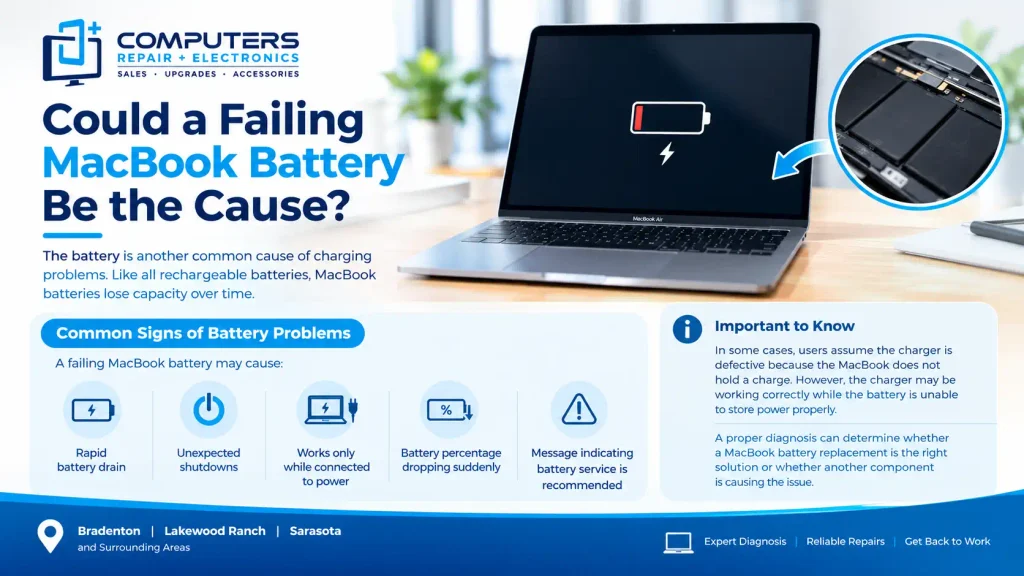
The battery is another common cause of charging problems. Like all rechargeable batteries, MacBook batteries lose capacity over time.
A battery that is nearing the end of its useful life may still allow the MacBook to operate but may create charging-related symptoms.
Common Signs of Battery Problems
A failing MacBook battery may cause:
- Rapid battery drain
- Unexpected shutdowns
- The device working only while connected to power
- Battery percentage dropping suddenly
- A message indicating battery service is recommended
In some cases, users assume the charger is defective because the MacBook does not hold a charge. However, the charger may be working correctly while the battery is unable to store power properly.
A proper diagnosis can determine whether a MacBook battery replacement is the right solution or whether another component is causing the issue.
Charging Port Problems Can Prevent Proper Power Connection
The charging port is another area that can cause MacBook charging failures.
Over time, ports can experience:
- Dust or debris buildup
- Loose connections
- Physical damage
- Wear from repeated plugging and unplugging
A damaged port may prevent power from reaching the battery even when the charger itself is working.
Symptoms of a Charging Port Issue
You may notice:
- The charger connects but does not charge
- Charging stops when the MacBook is moved
- The connection feels loose
- The MacBook charges intermittently
A MacBook charging port repair may be needed if the port itself is damaged or no longer making a reliable connection.
Avoid forcing the charger into the port or repeatedly adjusting the cable position, as this can sometimes make the damage worse.
When the Problem Is More Serious: Logic Board Issues
If the charger, battery, and charging port appear normal, the problem may involve the MacBook’s internal components.
The logic board controls many important functions, including power management and communication between hardware components.
A damaged logic board can affect charging because it manages how power moves through the device.
Signs of Possible Logic Board Problems
Possible warning signs include:
- The MacBook does not respond to any charger
- Charging stops unexpectedly
- The device shuts down randomly
- The MacBook experienced liquid exposure
- Multiple hardware functions are failing at the same time
Logic board repair in Bradenton may be considered when internal board-level problems are identified. These repairs require careful evaluation because the issue may involve a specific component rather than the entire computer.
A professional diagnosis is important before deciding whether a repair is practical.
Software Problems Can Also Affect Charging Behavior
Although many charging problems are hardware-related, software issues can sometimes affect how the MacBook reports battery and power status.
Possible software-related causes include:
- Operating system errors
- Battery management problems
- Failed updates
- Incorrect power settings
Simple troubleshooting steps may include restarting the MacBook, installing available system updates, or checking battery settings.
However, software troubleshooting should be approached carefully if the device is already showing signs of hardware failure or if important files are not backed up.
What Should You Avoid When Your MacBook Stops Charging?
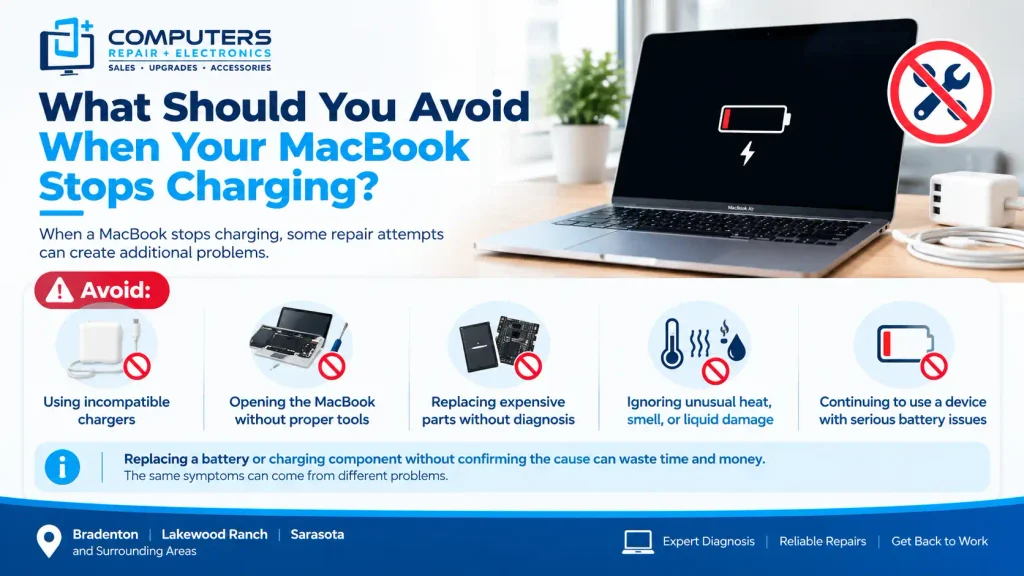
When a MacBook stops charging, some repair attempts can create additional problems.
Avoid:
- Using incompatible chargers
- Opening the MacBook without proper tools
- Replacing expensive parts without diagnosis
- Ignoring unusual heat, smell, or liquid damage
- Continuing to use a device with serious battery issues
Replacing a battery or charging component without confirming the cause can waste time and money. The same symptoms can come from different problems.
Should You Repair Your MacBook or Replace It?
A charging problem does not automatically mean your MacBook needs replacement.
The better option depends on:
- The age of the MacBook
- The type of failure
- The condition of other components
- The importance of your files
- The cost and complexity of repair
A battery issue may be a straightforward repair, while a major internal hardware failure may require more consideration.
The goal is to understand the actual condition of the device before making a decision.
Computers Repair Plus helps customers evaluate computer issues and understand available solutions, whether the problem involves charging, hardware, upgrades, or another computer-related concern.
Protect Your Data Before a Charging Problem Gets Worse
A MacBook that is not charging can become a data access problem if the battery eventually runs out completely.
Important files may include:
- Work documents
- Photos
- School projects
- Business information
- Personal records
Regular backups are one of the best ways to protect against unexpected hardware problems. If a MacBook fails and files become inaccessible, Data Recovery & Backup services may help determine what recovery options are available.
Frequently Asked Questions
Why is my MacBook not charging even though the charger is connected?
A MacBook may not charge because of a faulty charger, damaged cable, battery problem, charging port issue, software issue, or internal hardware failure. Testing the charger and connections is a good first step.
How do I know if my MacBook battery needs replacement?
Signs of a failing battery include fast battery drain, unexpected shutdowns, poor battery life, or the MacBook only working while connected to power.
Can a damaged charging port stop a MacBook from charging?
Yes. A damaged or worn charging port can prevent the charger from making a proper connection, resulting in intermittent or failed charging.
Is a logic board problem repairable on a MacBook?
Some logic board problems can be repaired, but the solution depends on the specific component failure and the overall condition of the device.
Should I buy a new MacBook if mine stops charging?
Not necessarily. Many charging issues can be repaired. A diagnosis can help determine whether repair or replacement makes more sense for your situation.
Can my files be recovered if my MacBook battery dies completely?
In many cases, files may still be accessible if the storage system is not damaged. Data recovery options depend on the specific failure and device condition.