When an SSD suddenly disappears from your computer, it can feel like all your important files have vanished. You may see an error message, find that your computer will not boot, or notice that the drive no longer appears in File Explorer or Disk Utility.
The good news is that an SSD that is not detected does not always mean its data is permanently lost. Depending on the cause, files may still be recoverable. However, the right next step depends on whether the issue involves a connection, firmware, controller, electrical damage, or the flash memory itself.
If you are searching for SSD data recovery Bradenton, avoid repeatedly trying random fixes before the drive has been evaluated. Some troubleshooting attempts can make a difficult recovery more complicated.
Computers Repair Plus provides data recovery and backup services for SSDs, computers, laptops, and other storage devices. Customers in Bradenton, Lakewood Ranch, Sarasota, and nearby communities can contact the team to discuss an SSD problem and available options.
Can Files Be Recovered From an SSD That Is Not Detected?
Yes, recovery may be possible, but it is not guaranteed.
An SSD can stop appearing in a computer for several different reasons. In some cases, the storage device is still holding the data, but the computer cannot communicate with it correctly.
For example, a damaged connector or an issue with the computer’s storage interface may prevent detection even when the SSD’s flash memory is intact.
Other problems are more serious. A failed controller, firmware issue, or damaged memory components can prevent normal access to stored information.
The important distinction is that a drive that cannot be accessed is not necessarily a drive whose data has been erased. A proper diagnosis is needed to understand what happened and whether recovery is practical.
Why Is Your SSD Not Showing Up?
Before assuming the SSD has failed, consider these common causes.
1. Loose or Damaged Connection
An internal SSD may not be detected if it is not properly seated or if its connection has been damaged.
For an external SSD, the problem may involve the USB cable, enclosure, port, or adapter.
If the drive is external, you can try one known-working cable and another USB port once. Avoid repeatedly reconnecting a drive that becomes unusually hot, disconnects repeatedly, or shows other signs of hardware failure.
2. SSD Controller Failure
The controller manages communication between the computer and the SSD’s flash memory.
If the controller stops working, the computer may fail to recognize the drive even if the stored data has not been intentionally deleted.
Controller-related problems often require technical evaluation rather than ordinary file recovery software.
3. Firmware Problems
SSD firmware helps manage the drive’s internal operations.
A firmware problem can cause an SSD to freeze, disappear, or become inaccessible. In some situations, the drive may appear intermittently or report an incorrect capacity.
Avoid attempting unofficial firmware updates when the data is important. An incorrect procedure may make the situation worse.
4. Electrical or Power Damage
Power surges, unstable power, or damaged electronic components can prevent an SSD from functioning.
If the drive stopped working after an electrical event, do not keep reconnecting it to test whether it has recovered.
5. File System or Partition Corruption
Sometimes the SSD is detected by the computer but its files are inaccessible.
You might see messages such as:
- You need to format the disk before you can use it.
- The drive is not accessible.
- The partition is missing.
- The storage device appears as unallocated space.
These symptoms may indicate a logical problem rather than complete hardware failure. Do not format or initialize the drive before considering data recovery.
What Should You Do When Your SSD Is Not Detected?
If the files matter, protecting the current condition of the SSD should be your priority.
Step 1: Stop Repeated Restarting and Reconnecting
Repeated attempts to make a failing SSD work can create additional complications.
If the drive disappeared suddenly or the computer stopped booting, avoid restarting the system over and over.
Step 2: Do Not Format or Initialize the SSD
Windows or another operating system may offer to format or initialize a drive it cannot read.
Do not accept that prompt if you need the existing files. Formatting, partition changes, and new writes can reduce recovery options.
Step 3: Avoid Installing Recovery Software on the Problem Drive
Recovery software can be useful for certain logical data-loss situations. However, installing programs or saving recovered files to the same SSD can overwrite information.
If the SSD has a hardware or controller problem, software may not be able to access it safely.
Step 4: Do Not Open the SSD or Attempt Board-Level Repairs
An SSD contains sensitive electronic components. Opening the device, applying heat, or attempting an improvised repair can cause further damage.
If the information is valuable, leave hardware troubleshooting to a qualified technician.
Step 5: Arrange a Professional Evaluation
A technician can investigate whether the problem comes from the connection, computer, controller, firmware, or storage components.
For help with SSD data recovery in Bradenton, contact Computers Repair Plus before attempting more intensive troubleshooting.
Can a Dead SSD Be Recovered Without Replacing It?
Sometimes, but the answer depends on the failure.
Replacing an SSD may restore a computer’s ability to operate, but installing a new drive does not automatically recover files from the old one.
If the original SSD is still readable through an appropriate method, data may be copied to another storage device. If the controller or firmware has failed, a more specialized recovery approach may be necessary.
It is also important to understand that SSD recovery is different from traditional hard drive recovery. SSDs use flash memory, internal controllers, wear-leveling systems, and other technologies that affect how information is stored and accessed.
Features such as TRIM can also affect recovery after files have been deleted. Depending on the device and what happened, deleted data may become difficult or impossible to retrieve.
That is why the exact SSD model and failure symptoms matter.
SSD Detected but Files Are Missing: What Does That Mean?
A drive that appears in the operating system but does not show its usual folders may have a different problem from a completely undetected SSD.
Possible causes include:
- Accidental deletion
- Corrupted file system
- Damaged partition information
- Operating system errors
- Malware or software-related changes
Do not immediately create a new partition or reinstall the operating system on the affected SSD.
If you can still access some files, avoid saving new information to that drive. A professional assessment can help determine whether the missing data is recoverable and what steps should come next.
Can You Recover Files From an SSD in a Laptop That Will Not Boot?
Yes, it may be possible.
A laptop that will not start does not automatically have a failed SSD. The actual problem could be the motherboard, battery, power circuit, operating system, or another component.
If the SSD itself remains functional, files may be accessible even when the laptop cannot boot.
Computers Repair Plus offers data recovery assistance for PCs, laptops, SSDs, RAID drives, USB flash drives, and memory cards. Its service also covers multiple operating systems, including Windows, macOS, Linux, Android, and server operating systems.
Learn more about the available Data Recovery and Backup Services.
When Should You Seek Professional SSD Data Recovery?
Consider getting professional help when:
- Your SSD is not detected on multiple known-working connections.
- The drive repeatedly disconnects or freezes.
- Your computer stopped booting after an SSD error.
- The SSD reports the wrong capacity.
- You see a format or initialization prompt.
- Important business files, family photos, or work documents are inaccessible.
- The drive stopped working after physical or electrical damage.
The sooner you stop unnecessary attempts to access a potentially failing drive, the better you can protect the remaining recovery options.
No provider can guarantee that every file will be recovered. The result depends on the type of failure, the SSD’s condition, and whether the stored information remains accessible.
Where to Get SSD Data Recovery in Bradenton, FL
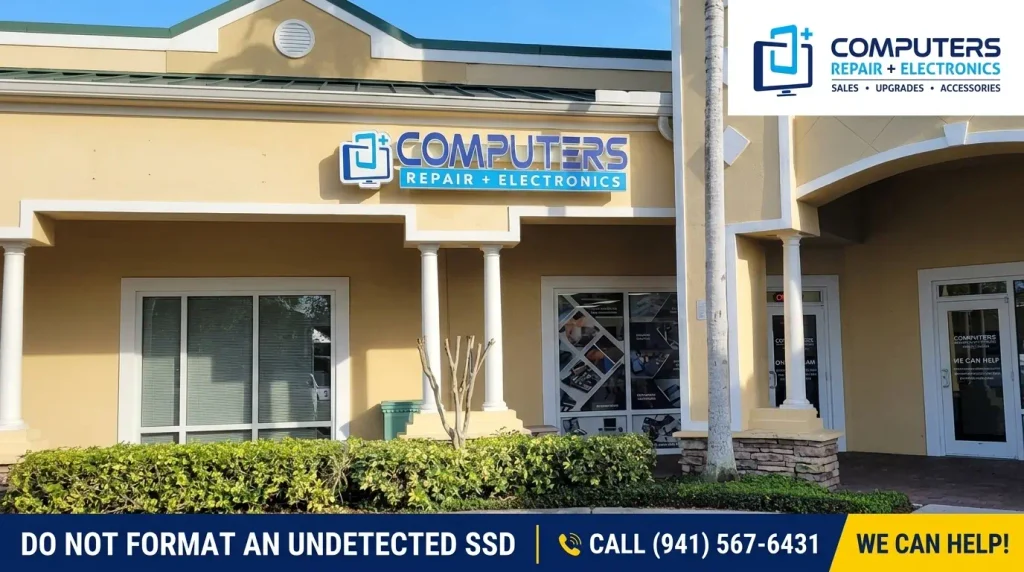
If your SSD is not detected and you need help protecting important files, Computers Repair Plus offers data recovery and backup services in Bradenton and surrounding areas.
The team works with SSDs and other storage devices, including computer and laptop drives, RAID drives, USB flash drives, and memory cards.
Computers Repair Plus
Address: 1829 Lakewood Ranch Blvd, Bradenton, FL 34211
Phone: (941) 567-6431
Website: https://computersrepairplus.com/
You can also review the Data Recovery and Backup service or contact the team to discuss your SSD symptoms and possible recovery options.
If the SSD contains important information, avoid formatting it or trying repeated repair procedures before getting advice.
Frequently Asked Questions
1. Can data be recovered from an SSD that is not detected?
Sometimes. The issue may involve a connection, controller, firmware, or other hardware problem. Recovery depends on the SSD’s condition and whether its stored data remains accessible.
2. Why did my SSD suddenly stop showing up?
Common causes include a damaged connection, controller failure, firmware problems, electrical damage, or file system corruption. A technical evaluation can help identify the actual cause.
3. Should I format an SSD that my computer cannot recognize?
No, not if you need the files. Formatting or initializing the drive may make recovery more difficult. Do not accept those prompts until you understand the problem.
4. Can deleted files be recovered from an SSD?
Sometimes. Recovery depends on how the files were deleted, whether new data was written, and whether the SSD’s TRIM function has made the deleted data unavailable.
5. Can I recover files from an SSD if my laptop will not turn on?
Possibly. The laptop may have a power or motherboard problem while the SSD remains functional. The storage device needs to be evaluated separately.
6. Where can I get SSD data recovery in Bradenton?
Computers Repair Plus provides data recovery and backup services for SSDs and other storage devices. Visit 1829 Lakewood Ranch Blvd, Bradenton, FL 34211, or call (941) 567-6431 to discuss your situation.