A computer that suddenly becomes slow, displays constant pop-ups, redirects your browser, or behaves differently than usual can be frustrating. Many people searching for virus removal cost Bradenton are trying to answer two important questions: What is wrong with my computer, and how much will it take to fix it?
The answer depends on several factors, including the type of infection, how deeply the malware has affected the system, whether your files are at risk, and whether additional computer problems are involved.
Not every slow or unstable computer has a virus. Sometimes performance issues are caused by outdated software, storage problems, hardware limitations, or other system errors. Understanding the actual cause is the first step toward choosing the right solution.
Computers Repair Plus helps customers in Bradenton, Lakewood Ranch, Sarasota, and surrounding areas understand computer problems and find appropriate repair options based on their specific situation.
Need help figuring out whether your computer has a virus or another issue? Contact Computers Repair Plus or call (941) 567-6431 to discuss your computer repair options.
What Affects Virus Removal Cost?
The cost of removing a virus or malware problem is different for every computer. A simple cleanup may require a different approach than a system affected by multiple threats or serious performance issues.
Type and Severity of the Infection
The type of malware affecting your computer plays an important role in determining the amount of work required.
Some infections mainly cause annoying symptoms, such as:
- Unwanted pop-ups
- Browser changes
- Slow performance
- Unknown programs
Other threats may be more complicated and require additional attention because they affect system settings, personal data, or overall computer stability.
A proper evaluation helps determine whether the issue is a basic malware problem or something more involved.
Condition of the Computer
The condition of your computer can also affect the repair process. An older computer with outdated software, limited storage, or existing performance problems may need more than virus removal alone.
For example, a customer may think their computer is infected because it is running slowly, but the actual issue could involve:
- Low storage space
- Too many startup programs
- Aging hardware
- Software conflicts
- Operating system problems
Identifying the real cause helps avoid unnecessary repairs and allows customers to make better decisions.
Additional Protection or Data Concerns
Many customers are concerned about protecting important files when their computer has malware. Photos, documents, work files, and personal information may need to be protected before making major changes.
If malware has affected important files or created data-related concerns, services such as Data Recovery & Backup may become part of the overall solution.
When Should You Consider Professional Virus & Malware Protection and Removal?
Trying to remove malware without understanding the problem can sometimes create additional issues. Removing the wrong files, installing unreliable cleanup programs, or making incorrect system changes may affect computer performance.
Professional Virus & Malware Protection and Removal focuses on identifying the source of the problem, removing harmful software, and helping restore normal computer operation.
Professional assistance can be especially helpful when:
- Malware keeps coming back after removal attempts
- Your computer is becoming slower over time
- Unknown programs continue appearing
- Security warnings keep returning
- You are concerned about personal information or files
A proper approach focuses on solving the actual problem instead of only treating visible symptoms.
Common Signs Your Computer May Have a Virus
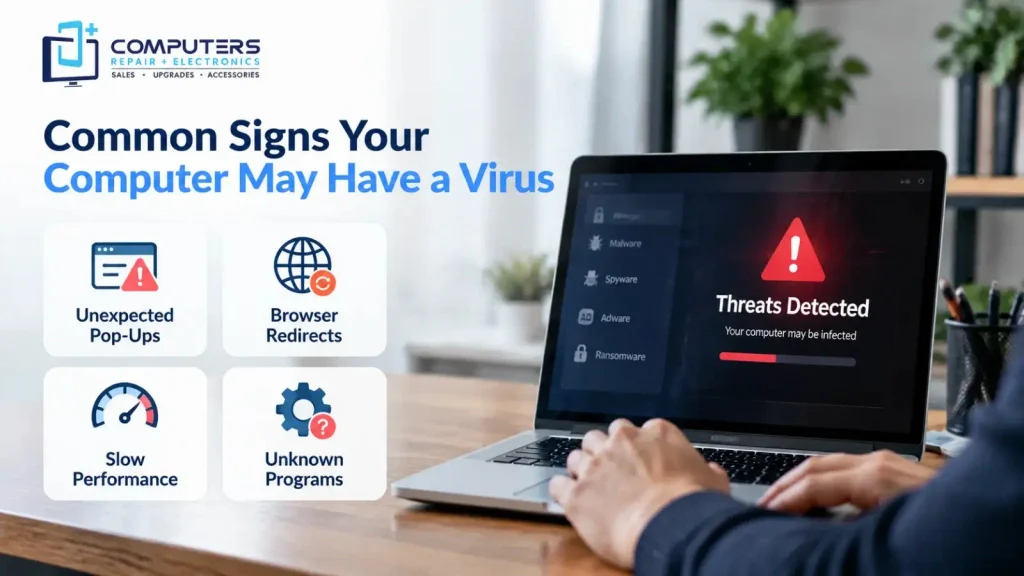
Many people wait until their computer becomes difficult to use before seeking help. Recognizing warning signs early can help reduce potential problems.
Common symptoms of malware include:
Unexpected Pop-Ups and Advertisements
Frequent advertisements, fake security alerts, or unusual pop-ups can indicate unwanted software running on your computer.
Browser Redirects
If your browser opens unfamiliar websites, changes search settings, or behaves differently than normal, malware may be involved.
Slow Performance
A computer that suddenly becomes slow, freezes frequently, or takes much longer to start may require investigation.
Unknown Programs or Changes
Applications you do not remember installing, unusual system settings, or unfamiliar notifications can be warning signs.
While these symptoms do not always mean your computer has a virus, they are worth checking before the problem becomes worse.
Malware Removal Cost vs Buying a New Computer
When a computer has malware problems, some people immediately think about replacing the device. However, replacement is not always the best choice.
A professional evaluation can help determine whether repairing the existing computer is practical or whether investing in a new device makes more sense.
Repair May Be the Better Option If:
- The computer still meets your daily needs
- The hardware is working properly
- The problem is mainly software-related
- Your files and programs are important
Replacement May Make More Sense If:
- The computer is outdated
- Hardware limitations affect performance
- The device no longer supports your needs
- Repair is not a practical long-term solution
If replacement becomes the better option, exploring New Computer Sales can help you choose a system that better matches your current requirements.
What Should You Do Before Virus Removal?
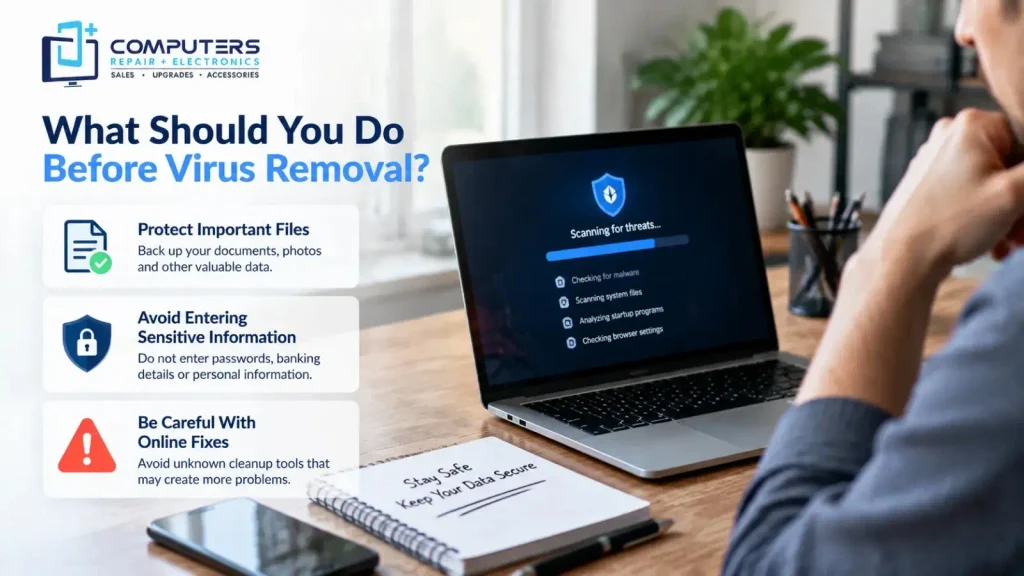
Before making major changes to an infected computer, consider a few important steps.
Protect Important Files
If you can still access your computer, consider protecting important documents, photos, and other valuable data.
Avoid Entering Sensitive Information
If you suspect malware, avoid entering passwords, banking details, or other sensitive information until the issue has been addressed.
Be Careful With Online Fixes
Downloading multiple unknown cleanup tools can sometimes create more problems. Not every program advertised as a virus remover is reliable.
Understanding the problem first is usually a safer approach.
How Computers Repair Plus Helps With Computer Virus Problems
Computer problems can be stressful, especially when you are unsure whether your files, privacy, or device performance are affected.
Computers Repair Plus helps customers in Bradenton, Lakewood Ranch, Sarasota, and surrounding areas understand their computer issues and choose the right repair approach.
With more than 19 years of experience, Computers Repair Plus helps customers address computer-related problems through practical repair solutions and guidance.
Whether you need help with Virus & Malware Protection and Removal, computer performance issues, data concerns, or other device problems, understanding the cause of the issue is the first step.
If your computer is showing signs of malware or unusual behavior, Computers Repair Plus can help you understand your options. Call (941) 567-6431 or contact the team today.
Frequently Asked Questions About Virus Removal Cost
How much does virus removal cost in Bradenton?
The virus removal cost in Bradenton depends on the type of infection, the condition of the computer, and the amount of work needed to resolve the issue. A proper evaluation helps determine the right solution.
Is malware removal different from virus removal?
Yes. A virus is one type of malware. Malware is a broader term that includes threats such as spyware, ransomware, adware, and other harmful software.
Can I remove a virus from my computer myself?
Some basic infections may be handled with security tools, but more serious malware problems can be difficult to identify completely. Professional computer virus repair may be helpful when problems continue.
How do I know if my computer needs virus removal?
Common signs include slow performance, unwanted pop-ups, browser redirects, unknown programs, and repeated security warnings.
Will virus removal delete my files?
Virus removal does not always require deleting personal files. However, if malware has affected your system or data, protecting important files before repair may be recommended.
Should I repair an infected computer or buy a new one?
The best option depends on the computer’s age, condition, and the severity of the problem. A professional assessment can help you decide whether repair or replacement makes more sense.