A laptop problem rarely appears without warning. In many cases, your device gives you small signs before a major failure happens. Slow performance, unexpected shutdowns, strange noises, or charging problems may seem like minor annoyances at first, but they can indicate deeper hardware or software issues.
Understanding the signs your laptop needs repair can help you avoid losing important files, wasting money on unnecessary replacements, or allowing a small issue to become a larger repair.
Whether you use your laptop for work, school, business, entertainment, or personal tasks, knowing what symptoms to watch for can help you make a better decision. For customers looking for laptop repair in Bradenton, professional diagnosis can help determine whether your device needs a simple fix, an upgrade, or a replacement.
Computers Repair Plus helps customers in Bradenton, Lakewood Ranch, Sarasota, and surrounding areas with computer-related problems, repairs, upgrades, and technology solutions. Their team can help identify the cause of laptop issues and explain the available options before you decide on the next step.
Need help understanding what is wrong with your laptop? Contact Computers Repair Plus or call (941) 567-6431 to discuss your repair options.
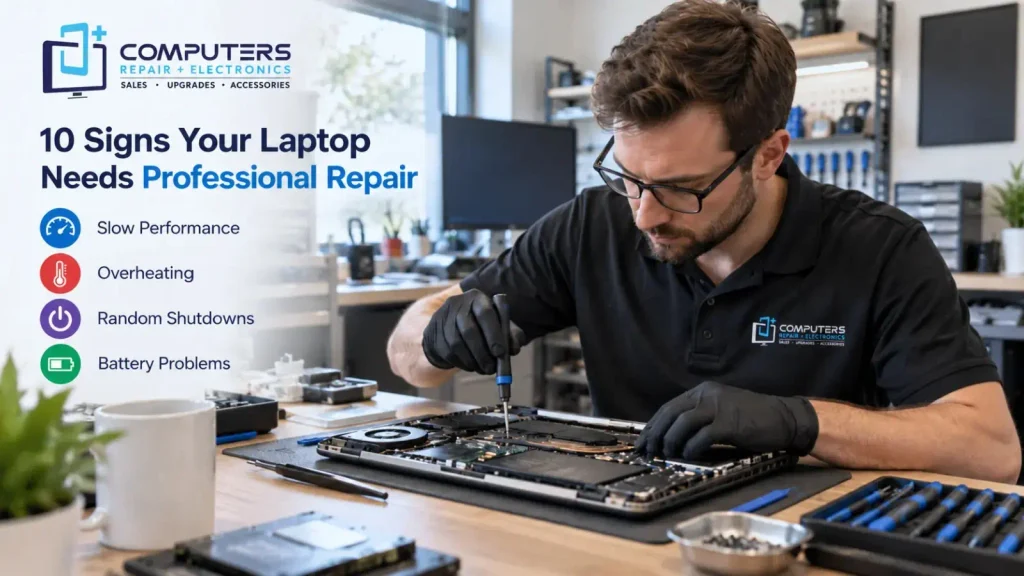
1. Your Laptop Has Become Extremely Slow
One of the most common laptop problems users notice is a sudden decrease in performance.
A laptop that takes several minutes to start, freezes while opening programs, or struggles with basic tasks may have several possible causes, including:
- Low storage space
- Too many background programs
- Aging hardware components
- Malware or unwanted software
- Failing hard drive
- Insufficient memory
Before replacing your laptop, it is worth determining whether the problem can be solved through maintenance, upgrades, or repairs. Sometimes a storage upgrade, system cleanup, or hardware improvement can extend the useful life of a device.
2. Your Laptop Overheats Frequently
A laptop naturally produces heat while operating, but excessive heat is a warning sign.
Common symptoms of overheating include:
- The laptop feels unusually hot
- The fan runs constantly
- The device shuts down unexpectedly
- Performance slows during use
Overheating can happen because of dust buildup, blocked ventilation, failing cooling fans, or problems with internal components.
Continuing to use an overheating laptop may put additional stress on important parts. A professional technician can inspect the cooling system and determine whether cleaning, component replacement, or another repair is needed.
3. Your Laptop Randomly Shuts Down or Restarts
Unexpected shutdowns are frustrating and may interrupt important work.
Possible causes include:
- Battery problems
- Overheating
- Power supply issues
- Hardware failure
- Operating system problems
Many users assume a laptop that randomly turns off needs immediate replacement. However, the actual cause may be repairable.
A proper diagnosis can help determine whether the issue comes from software, hardware, or power-related components.
4. The Laptop Battery Does Not Hold a Charge
A laptop battery naturally loses capacity over time, but certain signs indicate the battery may need attention.
Watch for:
- Battery percentage dropping quickly
- Laptop turning off when unplugged
- Battery not charging fully
- Charging only at certain angles
Battery problems can sometimes be confused with charger or charging port issues. A technician can check whether the battery, power adapter, or internal charging system is responsible.
5. Your Laptop Makes Unusual Sounds
Most laptops operate quietly. New or unusual sounds should not be ignored.
Examples include:
- Clicking noises
- Loud fan sounds
- Grinding sounds
- Repeated beeping
A clicking hard drive, for example, may indicate possible drive failure. If you hear unusual noises, backing up important files quickly is a smart precaution.
For situations involving lost files or failing storage devices, professional Data Recovery & Backup assistance may help protect important information before further damage occurs.
6. Your Laptop Freezes or Shows Error Messages
Frequent freezing is more than an inconvenience.
If your laptop regularly becomes unresponsive, displays error messages, or crashes during normal use, possible causes include:
- Corrupted system files
- Driver problems
- Memory issues
- Malware infections
- Hardware failures
A computer technician in Bradenton can evaluate whether the issue requires software troubleshooting, hardware repair, or security-related solutions.
7. Programs Keep Crashing or Won’t Open
When applications repeatedly fail, the problem may not be with the program itself.
Common reasons include:
- Outdated software
- Operating system issues
- Insufficient system resources
- Damaged files
- Security threats
Instead of repeatedly reinstalling programs, it is better to identify the underlying cause.
If your laptop is affected by suspicious pop-ups, unusual behavior, or possible infections, professional Virus & Malware Protection and Removal can help identify and address security-related problems.
8. Your Laptop Has Physical Damage
Physical damage can affect more than appearance.
Problems such as:
- Broken hinges
- Cracked screens
- Damaged charging ports
- Keyboard issues
- Liquid exposure
may impact how your laptop functions.
Some damage can worsen over time, especially when internal components are affected. Professional evaluation can help determine whether repair is practical.
9. Your Laptop Cannot Connect Properly to Devices or Networks
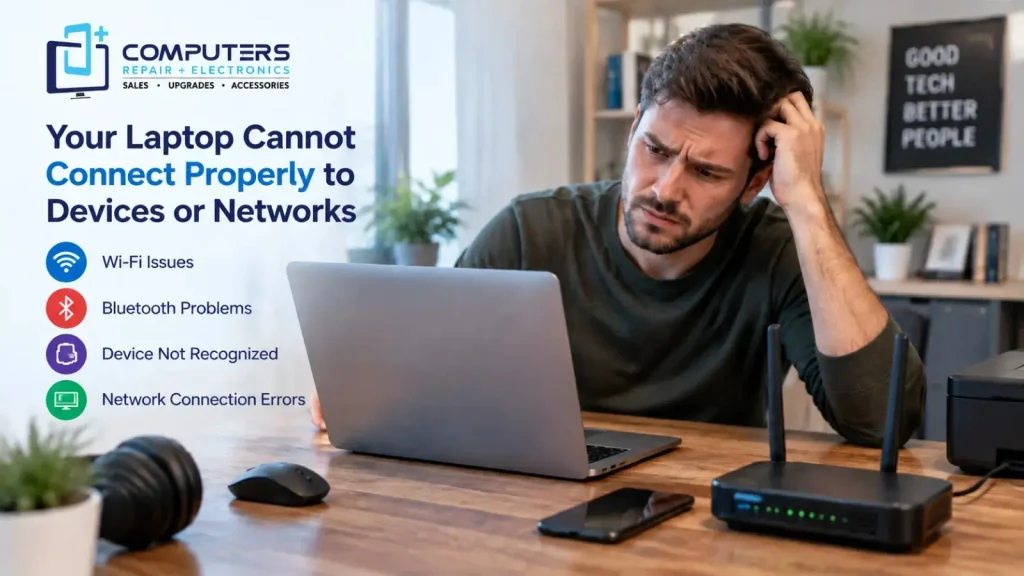
Connectivity problems are common but can have many causes.
Examples include:
- Wi-Fi disconnecting frequently
- Bluetooth not working
- External devices not being recognized
- USB ports failing
These issues may involve drivers, hardware components, or system settings. Proper troubleshooting helps avoid unnecessary replacements.
10. Your Laptop Is Too Old for Your Needs
Sometimes the issue is not that your laptop is broken, it may simply no longer meet your requirements.
Signs include:
- Programs no longer run smoothly
- Updates are limited
- Performance cannot keep up with your workload
- Repairs cost more than the device value
A professional can help you compare repair, upgrade, and replacement options.
Computers Repair Plus also provides New Computer Sales and Custom Built PC solutions for customers who need a new system that better matches their needs.
Why Choose Computers Repair Plus for Laptop Repair in Bradenton?
Choosing a repair provider is not only about fixing a device it is about understanding the problem and finding the right solution.
Computers Repair Plus explains its approach and services through its About Us section, highlighting its focus as a local provider for computer and electronic device sales, repairs, and support. The company serves customers from its Bradenton location and works with different types of technology issues, from computer repairs to device-related solutions.
When dealing with laptop problems, having a local repair option can make it easier to discuss your symptoms, understand available solutions, and decide whether repair or replacement makes the most sense.
The goal of professional repair should not simply be replacing parts. It should be identifying the real cause of the problem and helping you make an informed decision.
Frequently Asked Questions About Laptop Repair
How do I know if my laptop needs repair?
Common signs include slow performance, overheating, unexpected shutdowns, battery problems, frequent crashes, unusual noises, and hardware damage. If these issues affect your daily use, professional diagnosis can help identify the cause.
Is it worth repairing an old laptop?
It depends on the laptop’s condition, age, required repairs, and your performance needs. A technician can help you compare repair costs with replacement options.
Why is my laptop running slowly?
Slow performance may happen because of limited storage, outdated hardware, background programs, malware, or system issues. The right solution depends on the actual cause.
Should I repair my laptop or buy a new one?
A repair may make sense if the issue is a replaceable component or software problem. Replacement may be better when major components are failing or the device no longer meets your needs.
Can a technician recover files from a damaged laptop?
In many situations, data may still be recoverable even if a laptop is not working properly. However, the chances depend on the type and severity of the damage.
How much does laptop repair cost?
Laptop repair costs vary depending on the problem, required parts, and the amount of work involved. A proper diagnosis is the best way to understand your available options.