Not sure whether to repair or replace my laptop in Bradenton? Compare repair cost, laptop age, and replacement value. Contact Computers Repair Plus.
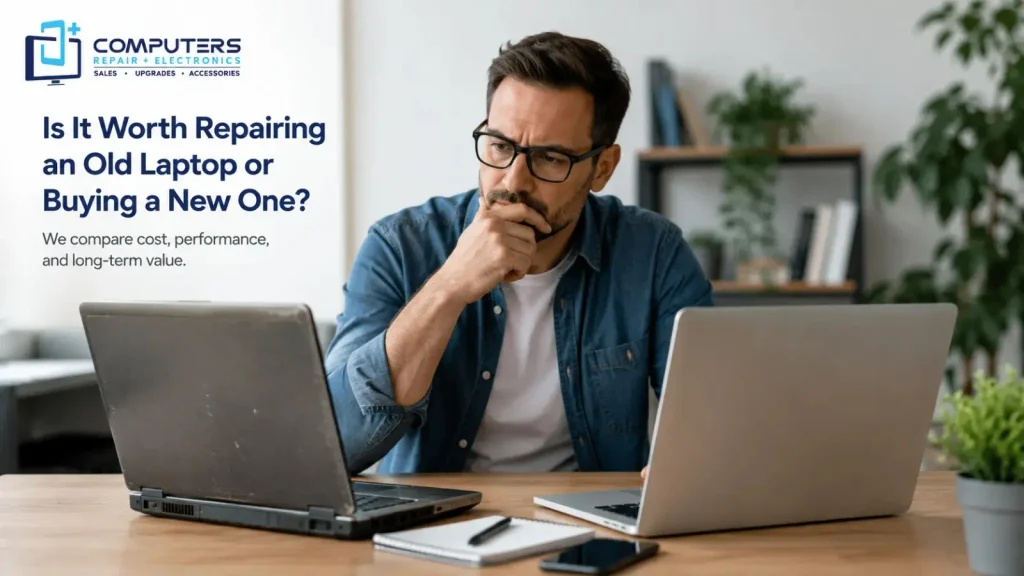
Is It Worth Repairing an Old Laptop or Buying a New One?
When an older laptop becomes slow, stops charging, overheats, or starts having repeated problems, the biggest question is usually whether it is still worth fixing.
The decision to repair or replace laptop hardware should depend on four things: the age of the device, the repair cost, its current performance, and how much useful life it still has.
For some people in Bradenton, an affordable repair or upgrade can add years to a laptop. For others, spending money on an outdated machine may not make sense.
At Computers Repair Plus, customers in Bradenton, Lakewood Ranch, Sarasota, and nearby areas can get professional diagnostics before deciding between repair, upgrade, or replacement.
Not sure whether your laptop is worth fixing? Contact Computers Repair Plus or call (941) 567-6431 for professional laptop diagnostics in Bradenton.
Laptop Age and Condition Matter Most
Laptop age is one of the first things to consider.
A four- or five-year-old laptop that still runs modern software and has good internal hardware may be worth repairing.
A much older laptop with several problems may not be.
Look at the overall condition of the device, including:
- Battery health
- Screen condition
- Keyboard and trackpad
- Processor performance
- Storage condition
- RAM
- Charging system
- Physical damage
- Operating system support
One broken component does not automatically mean you need a new laptop.
However, several failing parts usually make replacement more practical.
Old Laptop Repair Can Still Be Worth It
Old laptop repair can make financial sense when the main problem is limited to one repairable part.
Examples include:
- Battery replacement
- Storage drive replacement
- RAM upgrade
- Keyboard repair
- Software problems
- Virus or malware removal
- Charging issues
- Cooling problems
- Minor hardware faults
A laptop with a healthy processor and motherboard can often benefit from an upgrade.
For example, replacing an old hard drive with an SSD can significantly improve startup speed and overall performance.
Adding more RAM can also help if the laptop struggles when running multiple applications.
If the rest of the machine is still reliable, repairing or upgrading it may cost much less than buying a replacement.
For professional laptop repair in Bradenton, visit the computer repair service page.
Signs That Laptop Replacement Makes More Sense
Repair is not always the better choice.
Replacement may be more practical when the laptop has several major problems or is too outdated to meet your needs.
Common warning signs include:
- Major motherboard failure
- Severe liquid damage
- Multiple broken components
- Very poor battery life
- Damaged screen and chassis
- Extremely slow performance
- No practical upgrade options
- Unsupported operating system
- Repair costs close to replacement cost
A laptop can still be repairable but not worth repairing.
If you spend heavily on one major repair and the laptop still has an old battery, slow processor, and limited storage, you may face another expense soon.
In that case, replacing the laptop can provide better long-term value.
Laptop Repair Cost Versus Laptop Replacement Cost
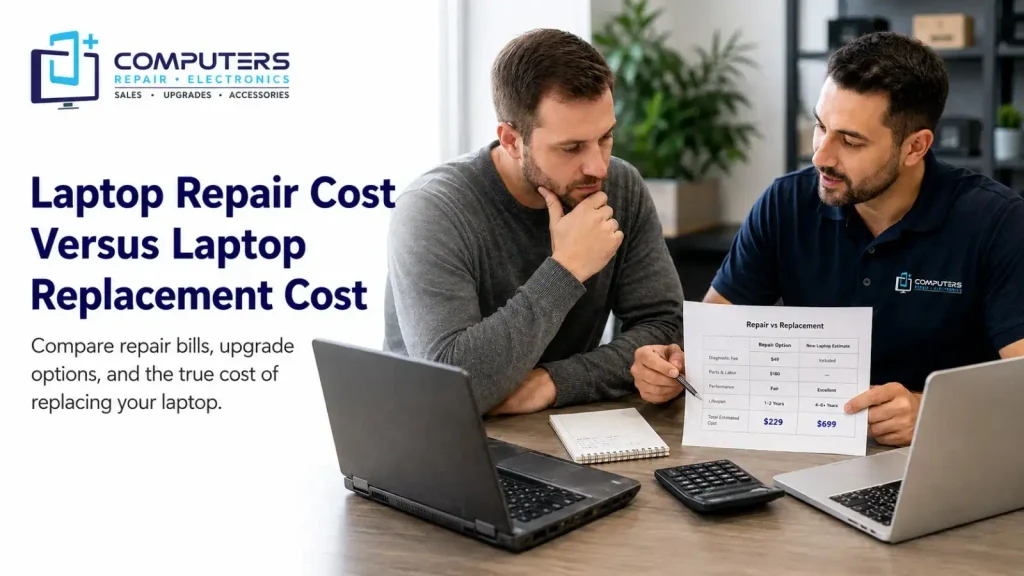
The easiest way to make the decision is to compare repair cost with laptop replacement cost.
Do not look only at the repair bill.
Also consider how long the laptop is likely to remain useful after repair.
A $150 or $250 repair on a capable laptop may be reasonable if the machine can continue working well for several more years.
A similar repair on a very old, slow laptop may not be.
Replacement costs can also include more than the price of the new laptop.
You may also need to pay for:
- Data transfer
- Software setup
- New accessories
- Business downtime
- Application licenses
- Backup setup
So a repair can sometimes offer better value than replacing the computer immediately.
Laptop Performance After Repair
A repair is only worthwhile if the laptop will still perform well afterward.
Before approving major work, think about whether the laptop can still handle your daily tasks.
For example:
- Web browsing
- Office programs
- Video calls
- Schoolwork
- Remote work
- Accounting software
- Streaming
- Photo editing
- Business applications
If the laptop will still be too slow after repair, replacement is usually the better option.
If the main problem is limited to storage, memory, battery, or software, repair may restore good performance at a lower cost.
This is why professional diagnostics are important.
A technician can determine whether the problem is isolated or part of a larger hardware issue.
Laptop Upgrades Can Extend Useful Life
Some older laptops do not need replacement at all.
They simply need an upgrade.
Possible improvements include:
- SSD installation
- RAM upgrade
- Battery replacement
- Operating system cleanup
- Cooling maintenance
- Storage upgrade
- Malware removal
An SSD upgrade can make a major difference in an older laptop that still uses a traditional hard drive.
Additional memory can also help improve multitasking performance.
If your laptop has a capable processor and still supports your required software, upgrading can be a smart alternative to replacement.
Computers Repair Plus provides computer repair and upgrade services for Bradenton-area customers.
Data Safety Before Laptop Replacement
Before replacing an old laptop, make sure your important files are protected.
Many people replace a failing laptop only to realize that photos, documents, business files, or passwords are still stored on the old machine.
Important data may include:
- Personal photos
- Work documents
- Accounting files
- Videos
- Browser data
- Email archives
- Saved passwords
- Business records
If the laptop is already failing, backup should be a priority.
Computers Repair Plus also provides data recovery and backup services in Bradenton for customers who cannot access important files.
Data recovery may be necessary before replacing a damaged laptop.
A Simple Repair-or-Replace Rule
A practical way to decide is to compare the repair cost with the value of a suitable replacement.
If the repair is relatively inexpensive and the laptop still performs well, repairing it usually makes sense.
If the repair cost is high and the laptop is already old, slow, or unreliable, replacement may be the better investment.
Consider these points:
- Laptop age
- Repair cost
- Current performance
- Number of existing problems
- Upgrade options
- Replacement cost
- Expected remaining life
Do not make the decision based on age alone.
A well-built older laptop can sometimes be worth repairing, while a lower-end newer laptop may not be.
Laptop Repair in Bradenton for Local Customers
Customers looking for laptop repair in Bradenton can get local diagnostics and repair from Computers Repair Plus.
The shop is located at:
1829 Lakewood Ranch Blvd
Bradenton, FL 34211
Computers Repair Plus serves Bradenton, Lakewood Ranch, Sarasota, and surrounding communities.
Local service makes it easier to discuss the condition of your laptop directly with a technician.
You can compare:
- Repair cost
- Upgrade options
- Device age
- Parts availability
- Replacement options
- Data recovery needs
This is more useful than guessing based on online advice.
Why Choose Computers Repair Plus for Laptop Repair in Bradenton
When you are trying to decide whether to repair or replace laptop hardware, accurate diagnosis is the most important step.
Computers Repair Plus has more than 19 years of hands-on experience working with computers and electronic devices.
The team provides:
- Laptop repair
- PC repair
- Mac repair
- Hardware upgrades
- Software troubleshooting
- Data recovery
- Malware removal
- Technical support
- New computer sales
- Custom PC services
The advantage is simple.
If repairing your laptop makes sense, the team can explain the required work.
If replacement offers better value, Computers Repair Plus also provides new computer sales in Bradenton.
That gives customers both options in one place.
For anyone searching computer repair near me in Bradenton or Lakewood Ranch, this makes the repair-or-replace decision easier and more practical.
Need help deciding what to do with your old laptop? Visit Computers Repair Plus or call (941) 567-6431 for a professional evaluation.
The Best Choice Depends on Long-Term Value

There is no single answer for every laptop.
Repair is usually worthwhile when:
- The problem is minor
- The laptop still runs well
- The repair cost is reasonable
- The hardware still meets your needs
Replacement is usually better when:
- The laptop is very old
- Several parts are failing
- Performance is poor
- The repair is expensive
- The laptop no longer supports your software
The goal is to spend money where it provides the best long-term value.
Before buying a new laptop or approving a major repair, get the existing device professionally checked.
You may discover that a simple upgrade can extend its life.
Or you may confirm that replacement is the smarter choice.
Ready to find out whether your laptop is worth repairing? Call Computers Repair Plus at (941) 567-6431 or contact the Bradenton repair team today.
Frequently Asked Questions
Is it better to repair or replace an old laptop?
Repair is usually better when the laptop still performs well and has one fixable problem. Replacement may make more sense when the laptop is old, slow, or has several major hardware issues.
How old is too old to repair a laptop?
There is no fixed age. The decision depends on performance, repair cost, condition, software support, and expected useful life after repair.
How much should I spend on old laptop repair?
Compare the repair cost with a suitable replacement. A lower-cost repair on a reliable laptop may be worthwhile, while an expensive repair on an outdated laptop may not be.
Is upgrading an old laptop worth it?
Yes, if the main hardware is still capable. SSD upgrades, additional RAM, battery replacement, and system cleanup can improve many older laptops.
Is laptop replacement always more expensive than repair?
No. Laptop replacement cost may be higher initially, but replacement can offer better value when an old laptop needs several expensive repairs.
Where can I get laptop repair in Bradenton?
Computers Repair Plus provides laptop repair in Bradenton at 1829 Lakewood Ranch Blvd and serves Bradenton, Lakewood Ranch, Sarasota, and nearby areas.
Should I back up data before replacing my laptop?
Yes. Back up documents, photos, passwords, business files, and other important information before replacing or repairing a failing laptop.