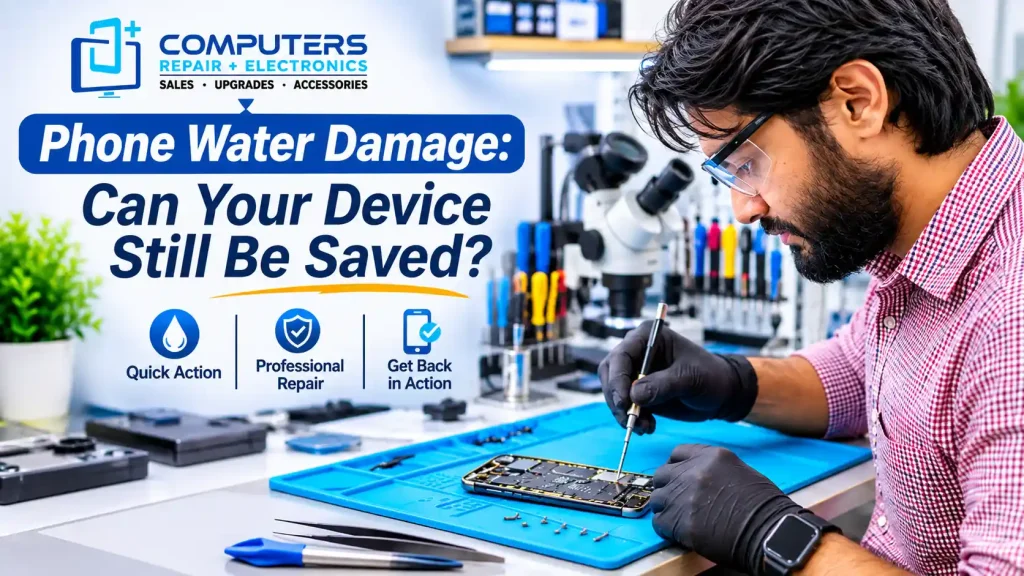
Accidentally dropping your phone in water can be stressful, especially when it contains important photos, contacts, messages, and work information. Whether your device falls into a swimming pool, gets caught in heavy rain, or experiences a spilled drink, liquid exposure can cause serious problems.
However, phone water damage does not always mean your device is permanently damaged. Depending on the severity of the exposure and which internal components are affected, professional repair may still be possible.
The important thing is knowing what to do immediately and avoiding mistakes that could make the damage worse.
For customers in Bradenton, Lakewood Ranch, Sarasota, and surrounding areas, Computers Repair Plus provides phone and tablet repair services, including liquid damage repair.
If your phone has been exposed to water, contact Computers Repair Plus or call (941) 567-6431 to discuss your repair options.
Can a Water-Damaged Phone Still Be Repaired?
Yes, many water-damaged phones can potentially be repaired, but recovery depends on the device’s condition.
Some phones experience minor moisture exposure, while others suffer extensive damage to internal circuits and electronic components.
Several factors affect repair possibilities:
- Amount of liquid entering the device
- Type of liquid involved
- Duration of water exposure
- Condition of the battery and motherboard
- Presence of corrosion
- Whether the device was charged while wet
A phone that continues working after water exposure may still develop problems later.
Professional inspection helps determine whether the damage is repairable or whether replacement makes more sense.
What Happens Inside Your Phone After Water Damage?
Smartphones contain sensitive electronic components that can be affected by moisture.
Water entering the device may interfere with electrical connections and cause corrosion on internal components.
Commonly affected parts include:
- Motherboard and internal circuits
- Battery connections
- Charging port
- Display assembly
- Cameras
- Speakers and microphones
One concern is that corrosion can continue developing after the outside of the phone appears dry.
This means a device may initially work normally but develop charging problems, display issues, or unexpected shutdowns later.
6 Common Signs of Phone Water Damage
Water damage does not always cause immediate failure. Some symptoms appear hours or days after exposure.
1. Phone Will Not Turn On
A phone that refuses to power on after getting wet may have damage affecting its battery, motherboard, or power-related components.
Avoid repeatedly attempting to restart the device if internal moisture may remain.
2. Screen Flickering or Display Problems
Moisture can affect display connections and touchscreen functionality.
Warning signs include:
- Flickering screen
- Black spots
- Display discoloration
- Unresponsive touchscreen
- Lines across the display
These symptoms may indicate damage beyond the outer glass.
3. Phone Not Charging
A wet charging port can prevent a smartphone from charging normally.
Some devices display a liquid detection warning when moisture is present.
Do not connect a charging cable while the connector may still be wet.
4. Speaker or Microphone Problems
Water entering speaker openings may cause muffled audio, distorted sound, or microphone problems.
Temporary moisture may clear as the device dries, but persistent symptoms can indicate component damage.
5. Camera Lens Fogging
Condensation behind a camera lens may indicate moisture inside the device.
This can cause blurry photographs, focusing problems, or reduced image quality.
6. Unexpected Shutdowns
If your phone repeatedly restarts, freezes, or shuts down after water exposure, internal electrical problems may be responsible.
Professional evaluation can help identify the affected components.
What Should You Do Immediately After Your Phone Gets Wet?
Taking the right steps can reduce the risk of additional damage.
Turn Off the Device
If your phone is still on and can be safely powered down, turn it off.
Do not repeatedly restart a device that may contain internal moisture.
Disconnect Charging Accessories
Remove charging cables and connected accessories immediately.
Charging a wet device can increase the risk of electrical damage.
Dry the Exterior
Use a clean, soft cloth to remove visible moisture.
Keep the phone in a dry area with gentle airflow and follow the manufacturer’s drying instructions.
Avoid Heat and Rice
Do not use hair dryers, ovens, compressed air, or other aggressive drying methods.
Putting your phone in rice is also not recommended because particles can enter device openings.
Seek Professional Inspection
If your phone was submerged, exposed to a significant spill, or develops unusual symptoms, professional evaluation is recommended.
Early assessment can help identify possible internal damage.
Can a Water-Resistant Phone Still Get Water Damage?
Yes. Water-resistant smartphones can still experience liquid damage.
Many modern phones have IP ratings indicating resistance to water and dust under specific testing conditions.
However, water resistance does not guarantee complete protection.
Protection can become less effective because of:
- Normal device aging
- Previous drops
- Cracked screens
- Damaged seals
- Earlier repairs
Saltwater, swimming pool chemicals, and sugary drinks may also cause additional problems.
Even if your device has a water-resistance rating, follow the manufacturer’s guidance after liquid exposure.
Can Data Be Recovered From a Water-Damaged Phone?
In some cases, important information can still be recovered from a water-damaged smartphone.
Recovery depends on the condition of the storage system, internal hardware, encryption, and available backups.
Information you may want to recover includes:
- Photos and videos
- Contacts
- Messages
- Business documents
- Personal files
If your phone cannot turn on, avoid repeated power attempts simply to access your files.
Existing cloud backups may allow you to restore information without repairing the damaged device.
For additional assistance, explore Data Recovery & Backup services at Computers Repair Plus.
Is It Better to Repair or Replace a Water-Damaged Phone?
The right decision depends on the severity of the damage and the overall condition of your device.
Repair may make sense when:
- Damage affects limited components
- The phone still meets your needs
- Repair costs are reasonable
- The device is otherwise in good condition
Replacement may be worth considering when multiple major components are damaged or repair costs approach the price of another suitable phone.
A professional evaluation helps determine which option offers better value.
How Much Does Phone Water Damage Repair Cost?
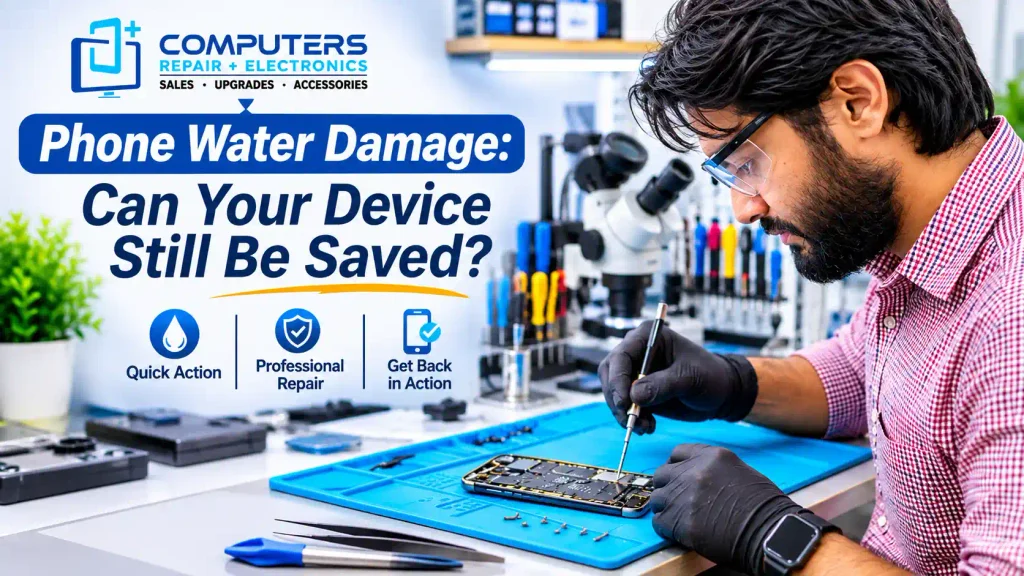
Phone water damage repair costs vary depending on the device model, type of liquid exposure, and affected components.
A phone with minor charging-related damage may require different work from a device with extensive motherboard corrosion.
Repair cost generally depends on:
- Diagnostic complexity
- Replacement parts
- Labor requirements
- Extent of internal damage