When your MacBook suddenly refuses to turn on, it can be frustrating especially if it contains important files, work documents, photos, or personal information. A MacBook that shows no signs of power, displays a black screen, or fails to start properly does not always mean the device is beyond repair.
A MacBook won’t turn on repair situation can happen for several reasons, including power problems, battery issues, charging failures, software problems, or hardware damage. Understanding the possible causes can help you avoid unnecessary replacements and make better decisions about your device.
For customers in Bradenton, Lakewood Ranch, Sarasota, and nearby areas, Computers Repair Plus helps diagnose computer problems and determine the right repair approach based on the actual issue.
Need help figuring out why your MacBook is not powering on? Contact Computers Repair Plus or call (941) 567-6431 to discuss your repair options and find the next step for your device.
Start With Simple Checks Before Assuming the Worst
Before considering professional repair, there are a few basic checks worth trying. Sometimes a MacBook appears completely dead because of a simple power-related issue.
Check the Power Source and Charger
A faulty outlet, damaged charging cable, or failing charger can prevent your MacBook from receiving power.
Try:
- Plugging the charger into a different outlet
- Checking whether the charging cable shows visible damage
- Removing accessories such as external drives or USB devices
- Leaving the MacBook connected to power for several minutes
If your MacBook shows no charging indicator or response after these steps, the problem may require further diagnosis.
Look for Any Signs of Activity
A MacBook that appears not to turn on may actually be experiencing a display-related problem.
Pay attention to:
- Fan noise
- Keyboard backlight activity
- Trackpad response
- Startup sounds
- Charging indicators
If the MacBook is running but the screen remains black, the issue may involve the display, graphics system, or internal components rather than the power system itself.
Common Reasons a MacBook Won’t Turn On

Several different problems can cause startup failure. The correct repair depends on identifying the underlying cause.
1. Battery Problems
A worn-out or failing MacBook battery is one of the most common reasons a MacBook may not power on properly.
Over time, batteries lose their ability to hold a charge. Signs of battery-related problems can include:
- MacBook shutting down unexpectedly
- Very short battery life
- The device only working while connected to power
- No response after being unplugged
Battery problems do not always mean the entire MacBook needs replacement. In many cases, replacing the battery can restore normal operation.
2. Charging Issues
A MacBook charging issue can come from several sources, including the charger, charging port, cable, or internal power components.
Common symptoms include:
- MacBook does not recognize the charger
- Battery percentage does not increase
- Charging works only at certain angles
- The device turns off immediately after disconnecting power
Charging problems can sometimes be mistaken for battery failure, which is why proper diagnosis is important before replacing parts.
3. Software or Startup Problems
Not every MacBook power problem is caused by hardware.
A MacBook may fail to start because of:
- Corrupted system files
- Failed updates
- Startup conflicts
- Storage-related issues
In these cases, the computer may still be repairable without replacing major components.
Users should avoid repeatedly forcing shutdowns or reinstalling operating systems without understanding the cause, especially if important data is stored on the device.
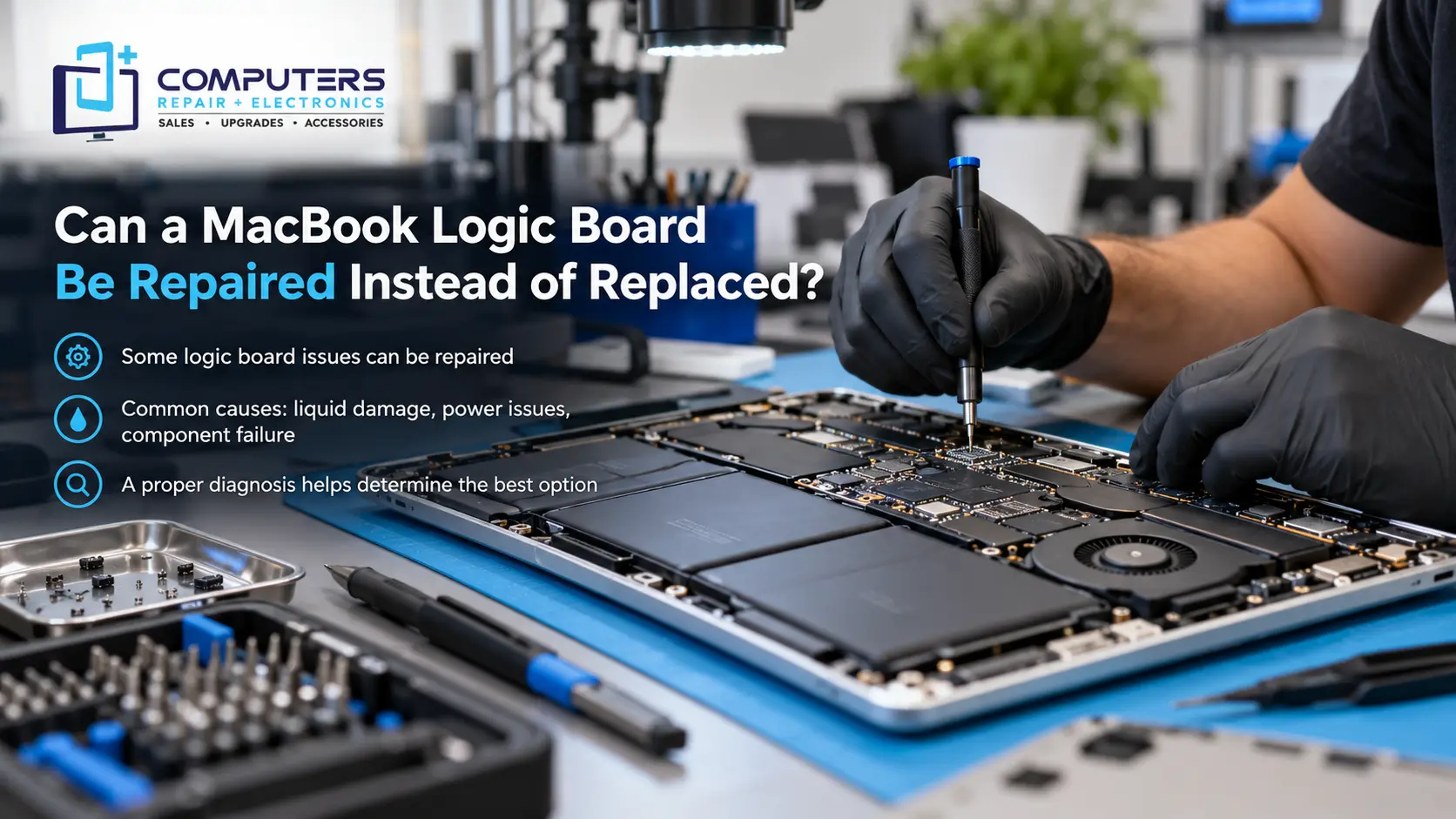
4. Logic Board Problems
The logic board is one of the most important components inside a MacBook. It controls communication between the processor, memory, storage, power system, and other hardware.
A damaged logic board can cause symptoms such as:
- No power response
- Random shutdowns
- Charging failures
- Liquid damage symptoms
- Failure to complete startup
Logic board repair can be a more advanced repair process and requires careful diagnosis. Not every logic board issue means the MacBook must be replaced, but the repair decision depends on the extent of the damage and the condition of the device.
5. Liquid Damage or Physical Damage
Liquid spills and accidental damage can create serious problems, even if the MacBook continues working temporarily afterward.
Common mistakes after liquid exposure include:
- Continuing to use the MacBook normally
- Connecting power immediately
- Waiting several days before seeking help
Liquid damage can affect internal components and may worsen over time. Turning the device off and seeking professional evaluation can help reduce additional damage.
What Should You Avoid When Your MacBook Won’t Turn On?

When a MacBook fails to start, some troubleshooting attempts can create additional problems.
Avoid:
- Opening the device without proper tools or experience
- Installing random repair software from unknown sources
- Repeatedly forcing power cycles
- Replacing expensive parts before confirming the cause
A professional diagnosis can help determine whether the issue is related to the battery, charging system, software, internal hardware, or another component.
When Is Professional MacBook Repair the Better Option?
Professional repair is usually worth considering when:
- The MacBook shows no response after basic power checks
- The device contains important files you cannot lose
- The problem keeps returning
- The MacBook has liquid or physical damage
- You suspect internal hardware failure
Computers Repair Plus helps customers understand their repair options instead of guessing at the cause. A proper evaluation can help determine whether repair, upgrade, or replacement makes the most sense for the device.
Repair or Replace Your MacBook?
A MacBook that does not turn on is not automatically a device that needs replacement.
The right choice depends on factors such as:
- Age of the MacBook
- Type of failure
- Repair complexity
- Condition of other components
- Importance of the stored data
For some devices, repairing a battery, charging problem, or specific hardware issue may extend the useful life of the MacBook. For others, replacement may be more practical.
The goal should be making an informed decision based on the actual condition of the computer.
Protect Your Data Before a Major Failure Happens
A non-working MacBook can create a bigger problem if important files are not backed up.
Important data may include:
- Family photos
- Business documents
- School files
- Password information
- Creative projects
Regular backups can reduce the risk of permanent data loss. If a MacBook fails and files cannot be accessed normally, professional Data Recovery & Backup services may help determine whether recovery options are available.
Frequently Asked Questions
Why won’t my MacBook turn on even when it is plugged in?
A MacBook may not turn on while connected to power because of a failed charger, charging issue, battery problem, software failure, or internal hardware issue. Testing the charger and power source is a good first step, but persistent problems may require professional diagnosis.
Can a dead MacBook battery prevent the computer from turning on?
Yes. A failing or completely depleted battery can prevent normal startup. In some cases, replacing the battery may restore functionality.
Is a MacBook with a logic board problem worth repairing?
It depends on the specific damage, the MacBook model, and its overall condition. A diagnosis can help determine whether repair is practical compared with replacing the device.
How do I know if my MacBook has a charging problem?
Signs of a charging issue include the battery percentage not increasing, the charger not being recognized, intermittent charging, or the MacBook shutting down when unplugged.
Can files be recovered from a MacBook that will not turn on?
Sometimes files can be recovered even when a MacBook does not power on normally. Recovery depends on the type of failure and the condition of the storage components.
Should I replace my MacBook instead of repairing it?
Not always. Some problems, such as battery failures, charging issues, or certain hardware problems, may be repairable. The best decision depends on the device’s age, condition, and repair requirements.