A laptop that loses power quickly can become frustrating, especially when you depend on it for work, school, business, or everyday tasks. Many users notice their battery percentage dropping faster than expected, needing to charge multiple times a day, or watching their laptop shut down even when the battery indicator shows remaining power.
If you are searching for answers because your laptop battery drains fast, the problem may not always be a damaged battery. Battery drain can happen because of background programs, aging hardware, power settings, overheating, charging issues, or even software problems.
At Computers Repair Plus, customers in Bradenton, Lakewood Ranch, Sarasota, and surrounding areas often need help understanding whether their laptop needs a simple adjustment, a battery replacement, or a deeper repair. Understanding the cause is the first step toward choosing the right solution.
Need help diagnosing your laptop battery issue? Contact Computers Repair Plus or call (941) 567-6431 to discuss your repair options and find out what may be affecting your device.
Common Reasons Your Laptop Battery Drains Quickly
A fast-draining battery can have several causes. Some issues are easy to fix at home, while others require professional diagnosis.
Too Many Background Applications Running
Many users close the programs they can see but forget that other applications continue running in the background. These programs may constantly use processing power, memory, and battery resources.
Common examples include:
- Cloud backup applications syncing files
- Browser tabs running heavy websites
- Software updates
- Communication apps staying active
- Programs launching automatically when Windows starts
Even if you are not actively using these applications, they can continue consuming energy and reducing battery life.
Checking your laptop’s Task Manager can help identify programs using excessive resources. If an unknown application is causing unusually high usage, it may require additional troubleshooting.
An Aging Laptop Battery
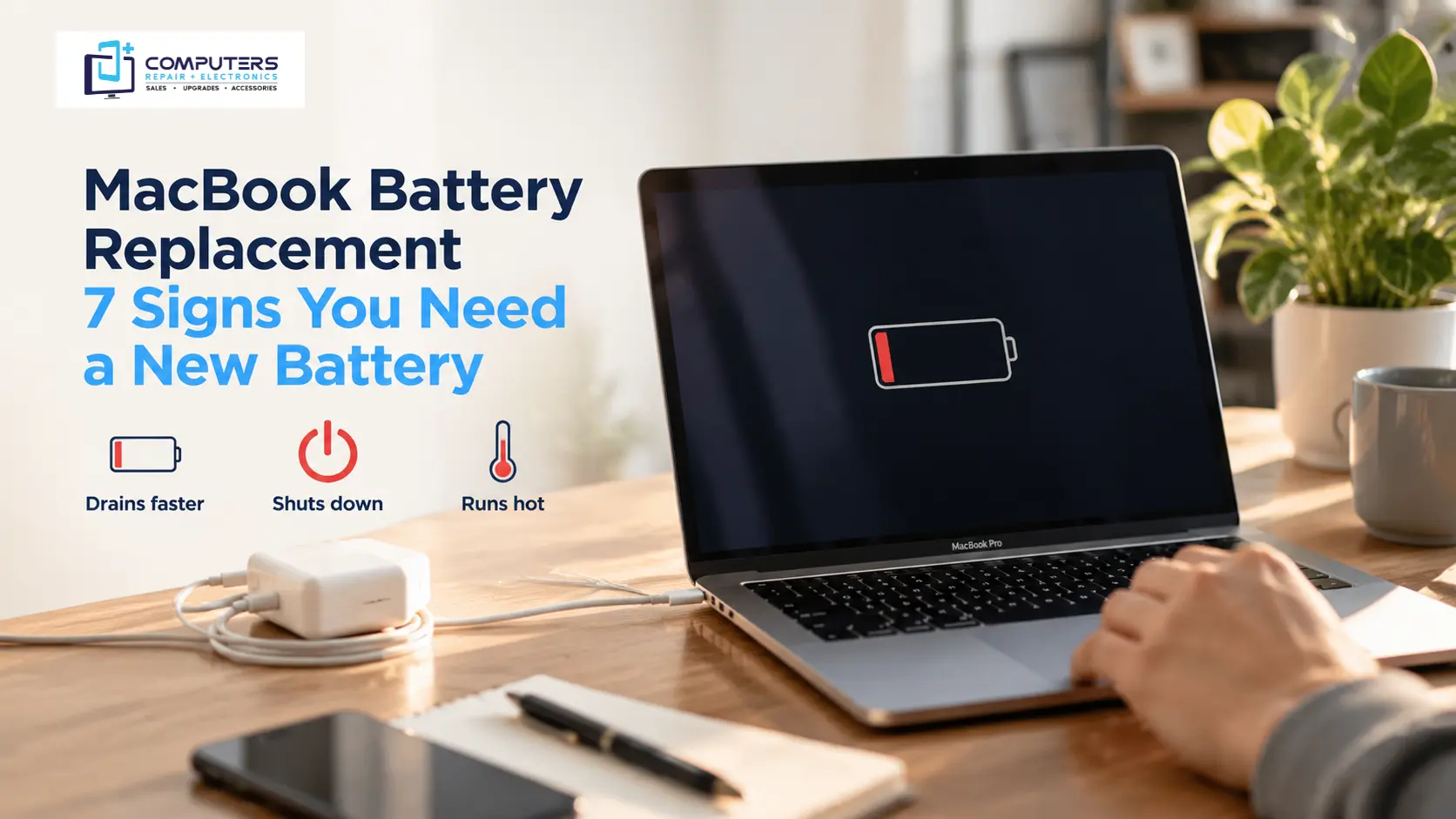
Laptop batteries naturally lose their ability to hold a full charge over time. After years of regular charging cycles, the battery capacity can decrease, meaning your laptop may show 100% charge but provide much less usage time than before.
Signs of an aging battery may include:
- Battery percentage dropping suddenly
- Laptop shutting down unexpectedly
- Device lasting only a short time after charging
- Battery not charging fully
- Laptop working normally only when connected to power
In these situations, laptop battery replacement Bradenton services may be the right option if the battery has reached the end of its useful life.
Power Settings Are Reducing Battery Performance
Your laptop’s power settings control how much energy different components use. Performance-focused settings may increase speed but also consume more battery power.
Adjusting settings such as:
- Screen brightness
- Sleep settings
- Background activity permissions
- Processor performance modes
can improve battery efficiency.
For many users, simple power management changes can extend battery life without requiring hardware replacement.
Overheating Can Cause Faster Battery Drain
Heat is one of the biggest factors that can affect laptop performance and battery efficiency.
When a laptop becomes too warm, the system may increase fan activity and use additional power to maintain performance. Overheating can happen because of:
- Dust buildup inside the laptop
- Blocked air vents
- Cooling system problems
- Heavy programs running for long periods
If your laptop feels unusually hot, runs slowly, or the fan constantly stays loud, the issue may involve more than just battery performance.
A professional inspection can help determine whether the problem is related to cooling, hardware, or another component.
Software Issues and Malware Activity
Battery drain is not always caused by the battery itself. Certain software problems can increase system activity and reduce battery life.
Possible causes include:
- Outdated drivers
- Operating system issues
- Unnecessary startup programs
- Malware running in the background
Professional Virus & Malware Protection and Removal can help identify unwanted programs that may be affecting your laptop’s performance and security.
How to Improve Laptop Battery Life
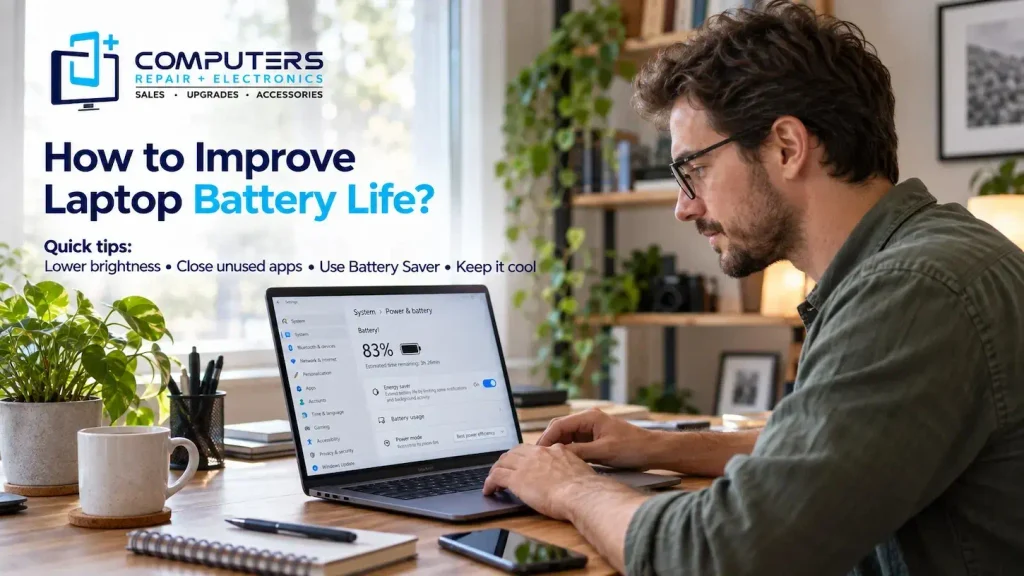
Before replacing your battery, there are several steps you can try to improve performance.
Reduce Screen Brightness
The display is one of the largest battery consumers on most laptops. Lowering brightness when possible can help extend usage time.
Close Programs You Are Not Using
Keeping many applications open increases system workload. Close unnecessary programs and browser tabs when they are not needed.
Keep Your Laptop Updated
Operating system and driver updates often include improvements that help stability and efficiency.
Use Battery Saver Mode
Most modern laptops include built-in battery-saving options. These settings can reduce background activity and improve battery duration.
Avoid Extreme Heat
Use your laptop on a hard surface where air can flow properly. Avoid placing it on beds, blankets, or soft surfaces that block ventilation.
When Should You Consider Laptop Battery Repair or Replacement?
Sometimes adjustments can improve battery life, but some problems require professional attention.
Consider getting your laptop checked if:
- The battery drains unusually fast after basic troubleshooting
- The laptop shuts down unexpectedly
- The battery is swollen or physically damaged
- The laptop only works while plugged in
- Charging problems continue after changing chargers or cables
Professional laptop battery repair can help determine whether the issue is caused by the battery, charging system, power components, or another hardware problem.
A proper diagnosis can also help you decide whether repairing your current laptop makes sense or whether replacement may be a better long-term option.
Repair or Replace Your Laptop: How to Decide
A battery issue does not always mean you need a new laptop.
Repair may be a good option when:
- The laptop still meets your daily needs
- The problem is limited to the battery or another replaceable component
- The device performs well otherwise
Replacement may make more sense when:
- The laptop has multiple hardware problems
- Performance no longer meets your needs
- Repair costs are close to the value of the device
For customers in Bradenton and nearby areas, Computers Repair Plus can help evaluate the condition of your device and explain available options.
Why Professional Diagnosis Matters
Many laptop battery problems look similar but have different causes. A weak battery, charging port issue, motherboard problem, or software issue can all create similar symptoms.
A professional technician can check the condition of the battery, charging system, and overall laptop performance before recommending a solution.
Computers Repair Plus provides Computer Repair & Upgrades services to help customers understand computer problems and choose practical solutions based on their device condition.
The goal is not simply replacing a part, it is identifying the actual cause of the problem so you can make an informed decision.
Conclusion
A laptop battery draining quickly can happen for many reasons, including aging batteries, software problems, overheating, background applications, and hardware issues.
Before purchasing a replacement battery or a new computer, it is important to understand what is causing the problem. Simple adjustments may solve some battery issues, while others require professional repair or replacement.
If your laptop is losing power too quickly and affecting your daily tasks, Computers Repair Plus can help diagnose the issue and guide you toward the right solution. Call (941) 567-6431 for assistance with laptop battery problems and other computer repair needs in Bradenton, Lakewood Ranch, Sarasota, and surrounding areas.
Frequently Asked Questions
Why is my laptop battery draining so fast all of a sudden?
A sudden battery drain can happen because of background programs, software updates, overheating, power setting changes, or a battery that is starting to fail. Checking recent changes and monitoring system usage can help identify the cause.
How do I know if my laptop battery needs to be replaced?
Common signs include very short battery life, unexpected shutdowns, failure to charge properly, or a battery that cannot hold power for normal use. A professional inspection can confirm whether replacement is needed.
Can software problems cause fast battery drain?
Yes. Programs running in the background, malware, outdated drivers, or system issues can increase power usage and reduce battery life.
Is it worth replacing a laptop battery?
Replacing a battery can be worthwhile if the laptop still performs well and the battery is the main issue. The decision depends on the laptop’s condition, age, and overall performance.
How long should a laptop battery normally last?
Battery lifespan varies depending on usage habits, charging cycles, laptop model, and maintenance. Over time, most batteries gradually lose their ability to hold the same amount of charge.
Can overheating damage my laptop battery?
Excessive heat can reduce battery efficiency and contribute to faster battery wear. Keeping the laptop properly ventilated and addressing cooling issues can help protect battery performance.