When your MacBook stops working, one of the first questions you probably have is: how long does MacBook repair take? Whether you rely on your computer for work, school, business, or personal use, being without your device can be inconvenient.
The answer depends on the type of problem. A simple issue such as a battery replacement or minor hardware repair may take less time, while more complex problems involving internal components, liquid damage, or data recovery may require additional evaluation.
Many customers searching for MacBook repair Bradenton are not only looking for a repair service they want to understand the process, the possible timeline, and whether they should repair or replace their device.
At Computers Repair Plus, customers can get help understanding computer issues and available repair options based on the condition of their MacBook.
Need help understanding your MacBook repair situation? Contact Computers Repair Plus or call (941) 567-6431 to discuss your issue and the next steps.
Why MacBook Repair Time Varies
There is no single repair timeline that applies to every MacBook. The time needed depends on several factors, including the type of failure, required parts, and whether additional problems are discovered during diagnosis.
Some repairs are straightforward, while others require more detailed troubleshooting.
Important factors include:
- The type of repair needed
- The MacBook model
- Availability of replacement components
- Whether the issue involves hardware or software
- Whether data recovery is required
- The extent of damage
A professional diagnosis helps identify the actual cause of the problem before repair work begins.
Common MacBook Repairs and Their Typical Timelines
Different problems require different levels of work. Understanding common repair situations can give you a better idea of what to expect.
Battery Replacement
Battery issues are among the more common MacBook problems.
Signs that a battery may need attention include:
- Fast battery drain
- Unexpected shutdowns
- The MacBook only working while connected to power
- Poor battery performance
A battery replacement is often more straightforward than complex internal repairs. However, the exact timeline depends on the MacBook model and the repair process required.
Screen Repair or Replacement
A damaged display is another common reason customers seek MacBook repair.
A cracked MacBook screen, flickering display, or screen that does not turn on may require display-related service.
The repair timeline can depend on:
- The specific MacBook model
- The type of display assembly needed
- Whether additional damage exists
A damaged screen may appear to be the only issue, but a proper inspection can help determine whether other components were affected.
Charging and Power Problems
Charging issues can come from several sources, including:
- Charger problems
- Battery failure
- Charging port damage
- Internal power system issues
A MacBook charging issue may take longer to diagnose because multiple components can create similar symptoms.
Replacing a damaged cable is different from diagnosing a deeper hardware problem.
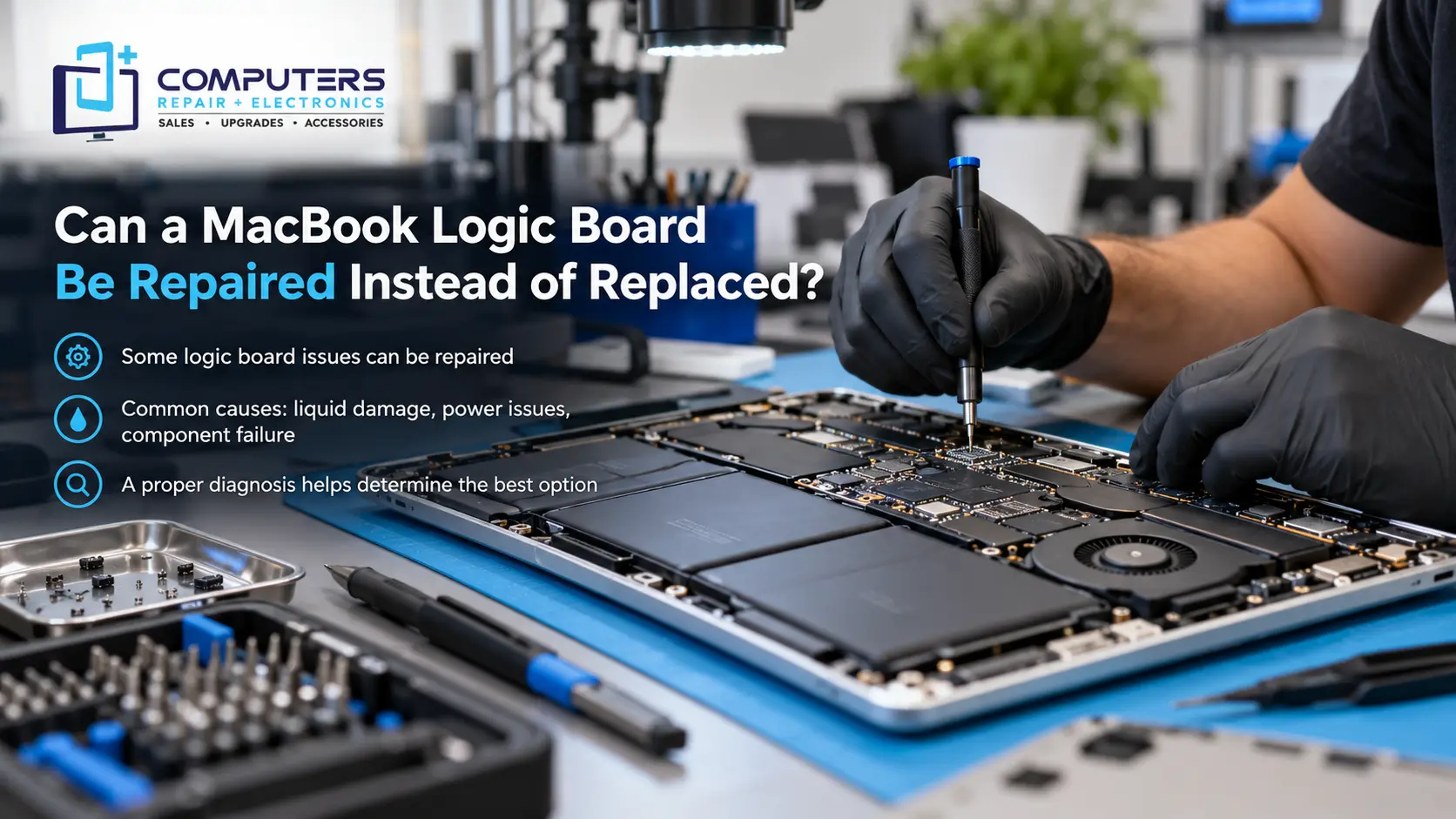
Logic Board Repair
The logic board controls many important functions inside a MacBook, including power management and communication between components.
Problems involving the logic board can be more complex because they may require detailed troubleshooting.
Possible symptoms include:
- MacBook not turning on
- Random shutdowns
- Charging failures
- Multiple hardware issues
Because logic board problems can involve different components, repair time depends heavily on the specific failure.
Liquid Damage Repair
Liquid damage is one of the more unpredictable MacBook repair situations.
A liquid damaged MacBook may experience:
- Power problems
- Keyboard issues
- Charging failures
- Internal corrosion
- Data access problems
The amount of time needed depends on how much damage occurred and which internal components were affected.
Quick action after liquid exposure can be important because corrosion and electrical damage may continue developing over time.
Why Diagnosis Is an Important Part of Repair Time
Some customers want to know the exact repair time immediately, but accurate estimates usually require understanding the problem first.
A MacBook that will not turn on could have several possible causes:
- Battery failure
- Charger or charging issue
- Software problem
- Hardware failure
- Logic board damage
Repairing the wrong component wastes time and may not solve the actual problem.
A proper diagnostic process helps determine:
- What failed
- Which components are affected
- Whether repair is practical
- What options are available
This approach helps customers make informed decisions instead of replacing parts based only on symptoms.
Can You Get Same-Day MacBook Repair?
Some customers search for same day MacBook repair because they need their device back quickly.
Same-day service may be possible for certain issues, depending on:
- The type of repair needed
- Parts availability
- Diagnostic results
- The complexity of the problem
Simple repairs may require less time, while repairs involving internal hardware, liquid damage, or specialized troubleshooting may take longer.
The best approach is to have the MacBook evaluated first so expectations are based on the actual repair situation.
What You Can Do Before Bringing in Your MacBook
Preparing your MacBook before repair can help make the process smoother.
Back Up Your Data If Possible
If your MacBook still works, creating a backup is recommended.
Important files may include:
- Work documents
- Photos
- School projects
- Business files
- Personal records
If the MacBook is not functioning normally, Data Recovery & Backup services may help determine whether your files can be accessed.
Write Down the Symptoms
Before bringing in your device, note:
- When the problem started
- What happened before the issue occurred
- Any error messages
- Whether the problem happens consistently
Clear information can help with troubleshooting.
Avoid Making the Problem Worse
Avoid:
- Repeatedly forcing the MacBook to restart
- Installing unknown repair software
- Continuing to use a damaged device
- Opening the MacBook without proper tools
Additional damage can make repairs more complicated.
Is Repair Faster Than Replacing a MacBook?
Repair is not always the only option, but it may make sense depending on the condition of your device.
Repair may be a good choice when:
- The MacBook still meets your needs
- The problem is limited to one component
- Your data is important
- The device has useful life remaining
Replacement may make more sense when the MacBook has multiple major problems or no longer supports your requirements.
A repair evaluation helps you compare your options before making a larger purchase decision.
For customers in Bradenton and nearby areas, Computers Repair Plus can help explain whether repair, upgrades, or replacement is the more practical path.
Frequently Asked Questions
How long does MacBook repair usually take?
The repair time depends on the problem. Simple repairs may take less time, while issues involving internal components, liquid damage, or data recovery may require more troubleshooting.
Can a MacBook be repaired the same day?
Some MacBook repairs may be completed quickly depending on the issue and parts availability. More complex repairs may require additional time.
Why does MacBook diagnosis take time?
Many MacBook problems have similar symptoms but different causes. Diagnosis helps identify the correct repair instead of replacing unnecessary components.
How long does MacBook screen repair take?
Screen repair time depends on the MacBook model, type of damage, and whether additional issues are discovered during inspection.
Is it worth repairing an older MacBook?
It depends on the device’s condition, repair needs, and whether it still meets your requirements. A repair evaluation can help determine whether fixing it is practical.
Can my data be recovered if my MacBook is not working?
In many cases, data recovery may be possible depending on the type of failure and condition of the storage system.