A gaming PC is a major investment built for performance, speed, and an enjoyable gaming experience. When something goes wrong, issues like sudden crashes, overheating, slow performance, or games failing to run properly can quickly become frustrating.
Many gamers searching for gaming PC repair cost Bradenton are trying to understand whether their computer needs a simple repair, a hardware upgrade, or a larger solution. The cost can vary depending on the problem, the components involved, and whether the issue is related to hardware, software, or system configuration.
A gaming computer problem is not always caused by a failed part. Sometimes poor performance can come from overheating, outdated drivers, storage limitations, software conflicts, or incorrect settings.
Computers Repair Plus helps customers in Bradenton, Lakewood Ranch, Sarasota, and surrounding areas understand their computer problems and choose the right repair or upgrade option based on their needs.
Need help understanding what is wrong with your gaming PC? Contact Computers Repair Plus or call (941) 567-6431 to discuss your repair options.
What Factors Affect Gaming PC Repair Cost?
There is no fixed price for every gaming computer repair because each system and problem is different. Several factors determine how much work may be required.
Type of Gaming PC Problem
The biggest factor affecting repair cost is the type of issue your computer is experiencing.
Some common gaming PC problems include:
- Computer not turning on
- Games crashing unexpectedly
- Overheating during gaming sessions
- Slow performance or lag
- Graphics problems
- Hardware failures
- Software or driver issues
A software-related issue may require a different repair approach than a failing graphics card, power supply, motherboard, or other hardware component.
Understanding the actual cause of the problem helps avoid replacing parts unnecessarily.
Hardware Condition and Component Issues
Gaming PCs rely on multiple components working together, including the processor, graphics card, memory, storage, cooling system, and power supply.
A problem with one component can affect the entire system.
For example:
- Overheating may be related to cooling problems or airflow issues
- Slow loading may be related to storage performance
- Game crashes may involve drivers, hardware, or system settings
- Random shutdowns may involve power-related issues
Professional diagnosis can help determine whether a component needs repair, replacement, or adjustment.
Upgrades Needed for Better Performance
Sometimes a gaming PC does not need a repair but needs an upgrade to handle newer games or applications.
Many gamers experience problems because their system no longer meets the requirements of newer software.
Common upgrades may involve:
- Improving storage capacity
- Increasing memory
- Updating components
- Improving overall system performance
For customers who need performance improvements, Computer Repair & Upgrades can help identify what changes may provide the most practical improvement for their system.
Common Gaming PC Problems That May Require Repair
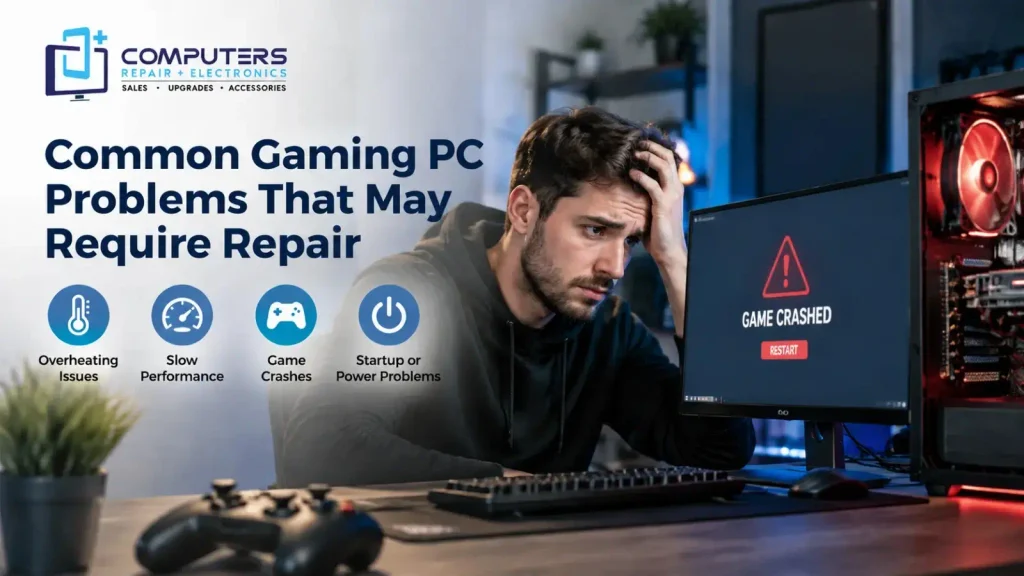
Gaming computers often experience issues that are different from standard home or office computers because they are designed to handle demanding workloads.
Overheating and Cooling Problems
Overheating is one of the most common concerns among gamers. A computer that becomes too hot may reduce performance, shut down unexpectedly, or experience instability.
Possible causes include:
- Dust buildup
- Cooling system issues
- Poor airflow
- High system demand
Ignoring overheating problems can affect long-term component performance.
Slow Performance and Game Lag
A gaming PC that was once fast may become slower over time. This can happen due to software changes, storage limitations, outdated components, or system configuration problems.
Before replacing the entire computer, it is important to understand whether the issue can be solved through repair, maintenance, or upgrades.
Startup, Crash, or Power Issues
Some gaming PCs may experience:
- Failure to start
- Frequent freezing
- Blue screen errors
- Unexpected shutdowns
- Game crashes
These problems can come from different sources, which is why identifying the actual cause is important before replacing expensive components.
Repair vs Upgrade: Which Option Makes More Sense?
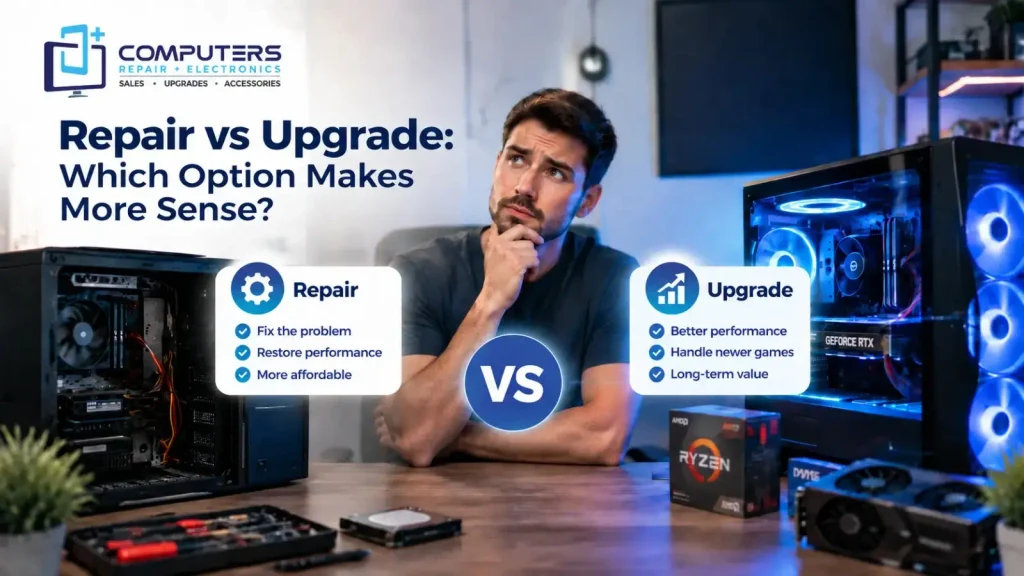
One of the biggest questions gamers face is whether to repair their current PC or invest in upgrades.
The right choice depends on the condition of the system and your performance goals.
Repair May Be Better When:
- The main components are still suitable for your needs
- The issue is caused by software or a specific failed part
- The computer previously performed well
- The repair can restore normal performance
Upgrades May Be Better When:
- Your PC struggles with newer games
- A specific component limits performance
- You want better speed without replacing the entire system
Replacement May Be Worth Considering When:
- Multiple major components are outdated
- Repair costs approach the value of the computer
- The system no longer meets your gaming requirements
For customers who need a completely new performance-focused system, exploring Custom Built PC options may be a better long-term solution.
Why Professional Gaming PC Repair Can Help
Gaming computers can be more complicated than standard computers because multiple performance-focused components must work together correctly.
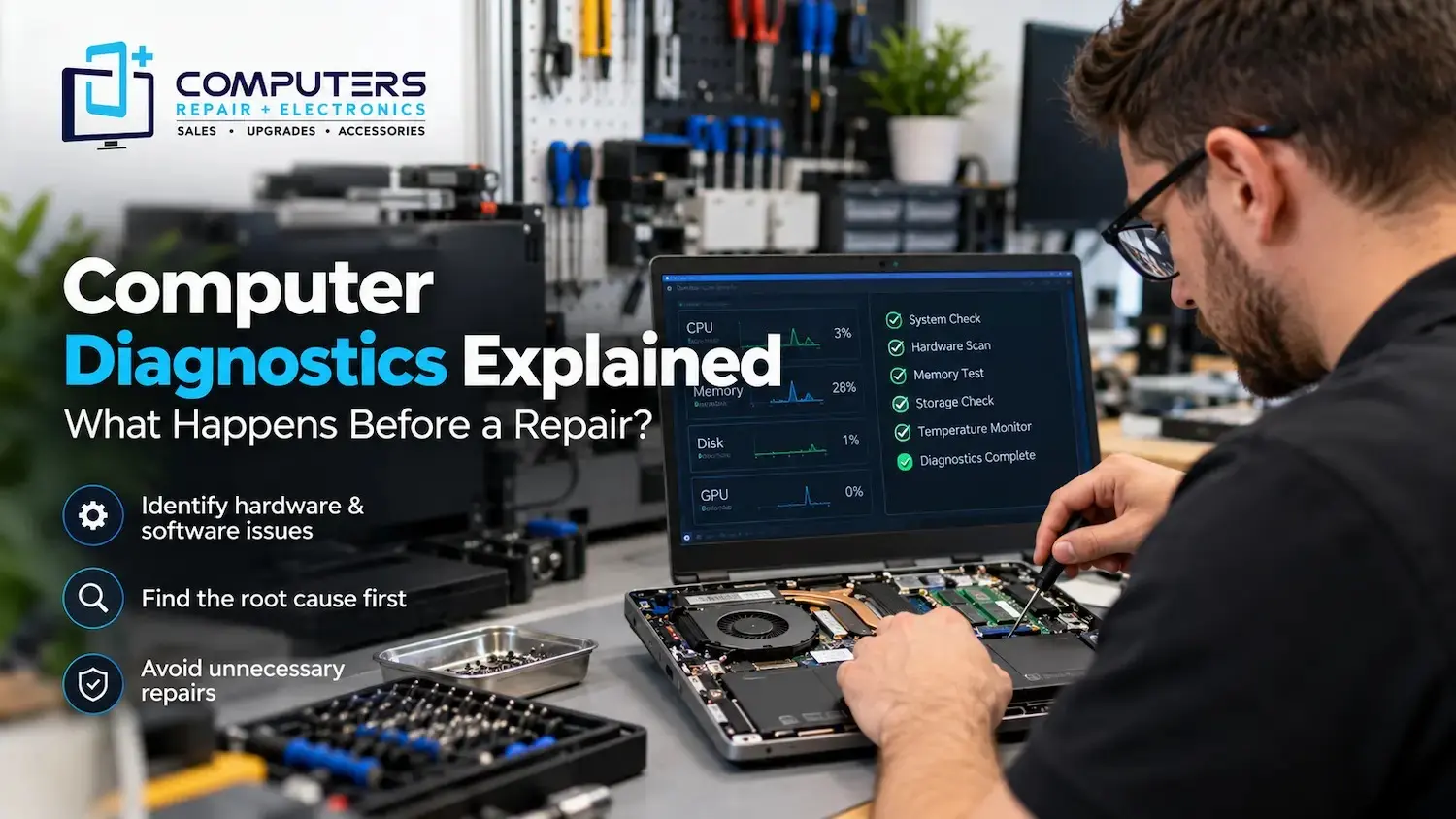
Trying random fixes or replacing parts without proper diagnosis can lead to unnecessary expenses.
Professional Computer Repair & Upgrades can help identify issues such as:
- Hardware problems
- Performance limitations
- Software conflicts
- Upgrade opportunities
- System configuration concerns
A proper evaluation helps you understand what your gaming PC actually needs before spending money on repairs or new components.
What Should You Check Before Getting Your Gaming PC Repaired?
Before bringing your gaming PC for repair, consider gathering some information about the problem.
Helpful details include:
- When the issue started
- What games or programs are affected
- Any error messages you see
- Recent hardware or software changes
- Whether the problem happens consistently or randomly
This information can help explain the problem more clearly and make the repair process more efficient.
How Computers Repair Plus Helps With Gaming PC Problems
Gaming PC issues can be frustrating, especially when you depend on your computer for gaming, creative work, or everyday tasks.
Computers Repair Plus helps customers in Bradenton, Lakewood Ranch, Sarasota, and surrounding areas understand computer issues and choose practical solutions.
With more than 19 years of experience, Computers Repair Plus helps customers address computer-related problems through repair services, upgrades, and guidance based on their specific needs.
Whether your gaming PC needs troubleshooting, performance improvements, or a better understanding of the problem, getting the right diagnosis is the first step.
If your gaming computer is not performing the way it should, Computers Repair Plus can help you explore the right solution. Call (941) 567-6431 or contact the team today.
Frequently Asked Questions
How much does gaming PC repair cost in Bradenton?
The gaming PC repair cost in Bradenton depends on the type of problem, the components involved, and the amount of work required. A proper diagnosis helps determine the right repair approach.
Is gaming PC repair more expensive than regular computer repair?
Gaming PCs can sometimes require more specialized attention because they often include higher-performance components such as dedicated graphics cards, advanced cooling systems, and upgraded hardware.
Should I repair my gaming PC or build a new one?
It depends on your current system, the repair needed, and your performance goals. If your existing components are still useful, repairs or upgrades may be a better option. In some cases, a Custom Built PC may make more sense.
Why does my gaming PC keep crashing during games?
Gaming PC crashes can happen due to overheating, driver problems, hardware issues, insufficient system resources, or software conflicts. Finding the actual cause is important before replacing parts.
Can upgrading my gaming PC improve performance?
Yes. Certain upgrades can improve gaming performance depending on your current hardware and what is limiting your system.
How do I know if my gaming PC needs professional repair?
If your computer has repeated crashes, overheating issues, unexpected shutdowns, hardware problems, or performance issues that do not improve with basic troubleshooting, professional evaluation may help.