When your computer stops working properly, location becomes an important part of choosing a repair service. Whether you are dealing with a slow PC, laptop problems, software issues, hardware failures, or data concerns, you want a repair provider that can properly understand your situation and offer the right solution.
Many people searching for computer repair Bradenton or computer repair Lakewood Ranch are not only looking for the closest option. They are usually trying to find a reliable service provider that can diagnose the problem, explain the repair process, and help them make a practical decision.
For customers in Manatee County, the best choice often depends on factors such as the type of repair needed, convenience, service availability, and the level of support provided.
Computers Repair Plus helps customers in Bradenton, Lakewood Ranch, Sarasota, and surrounding areas with computer-related issues by focusing on understanding the actual cause of problems before recommending solutions.
Before choosing where to take your computer, it is important to understand the cause of the problem and what type of service your device may need. Contact Computers Repair Plus or call (941) 567-6431 for guidance on diagnosing your computer issue and finding the right solution.
What Should You Consider When Choosing a Computer Repair Provider?
The right repair service is about more than finding the nearest business. A good provider should help you understand the problem and explain your available options.
Important factors include:
- Experience diagnosing different types of computer issues
- Ability to repair both hardware and software problems
- Clear communication about the issue
- Services that match your needs
- Protection of your important files and data
A computer problem can have multiple possible causes. For example, a slow laptop could be caused by storage issues, malware, outdated hardware, or system problems. A proper diagnosis helps avoid unnecessary repairs.
Computer Repair Needs in Bradenton and Lakewood Ranch
Both Bradenton and Lakewood Ranch customers may experience similar computer problems, including:
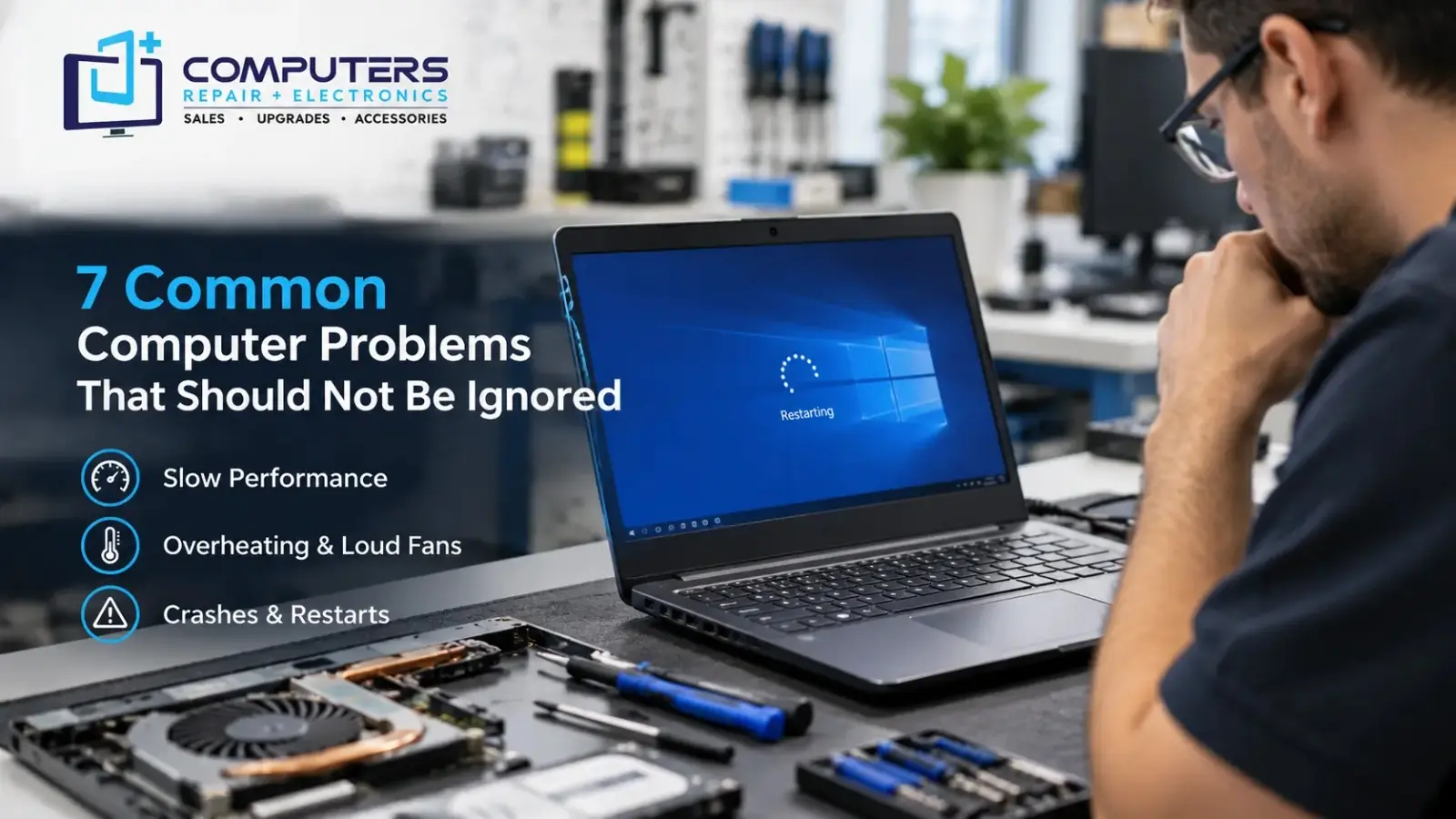
- Slow computer performance
- Laptop charging problems
- Virus or malware issues
- Hardware failures
- Data access problems
- Computer overheating
- Software errors
The location where you search for service may depend on convenience, but the quality of diagnosis and repair process should be the priority.
When searching for laptop repair near me, many customers focus on finding a nearby option quickly. However, it is also important to look for a provider that can properly identify the cause of the issue before starting repairs.
Why Proper Diagnosis Matters Before Any Repair
One of the biggest mistakes computer users make is assuming they already know what part needs to be replaced.
For example:
- A slow computer does not always need a new computer
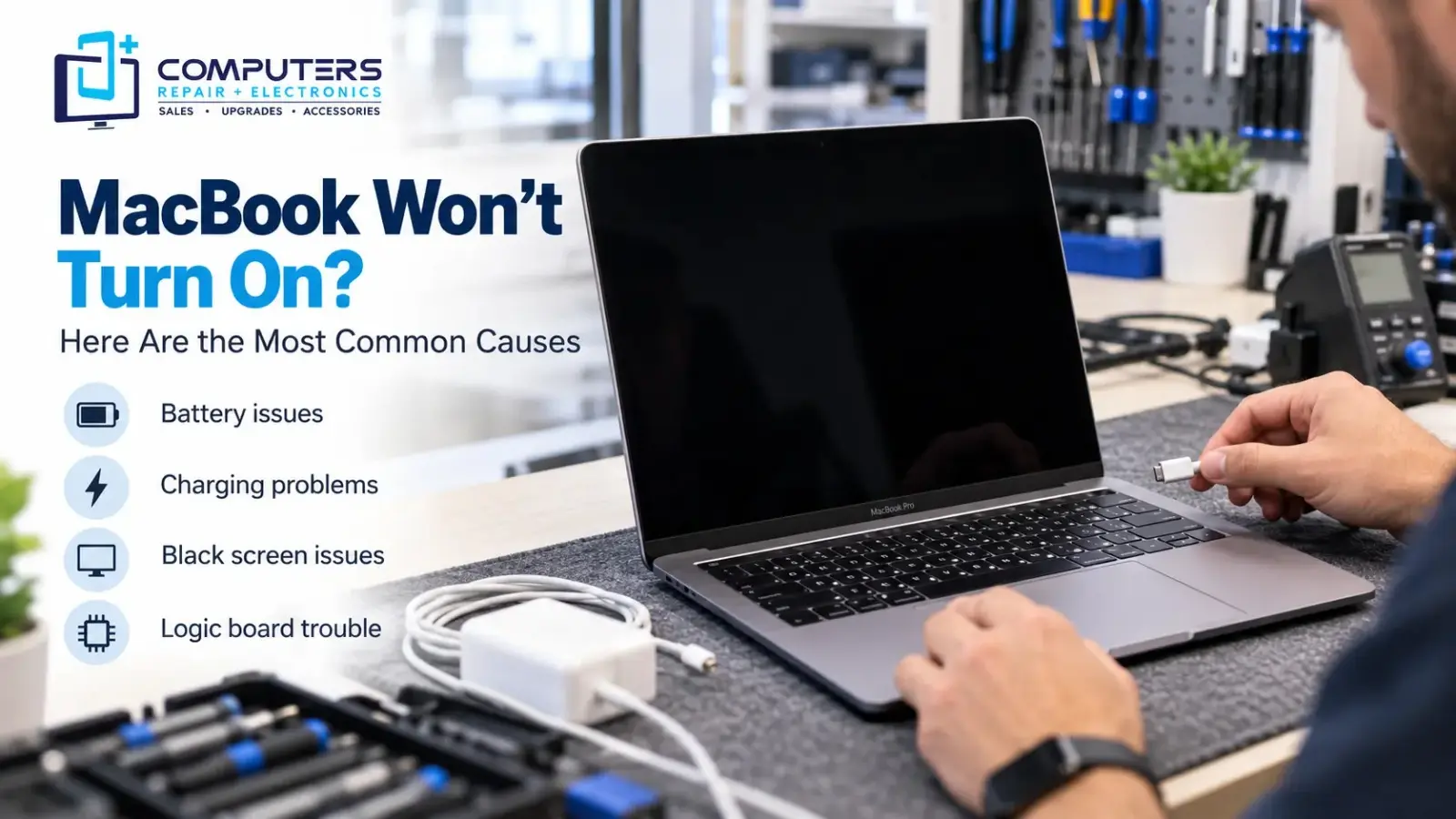
- A laptop that will not turn on may not always have a battery problem
- Pop-ups may not simply be browser issues
- Crashes may not always mean the computer is outdated
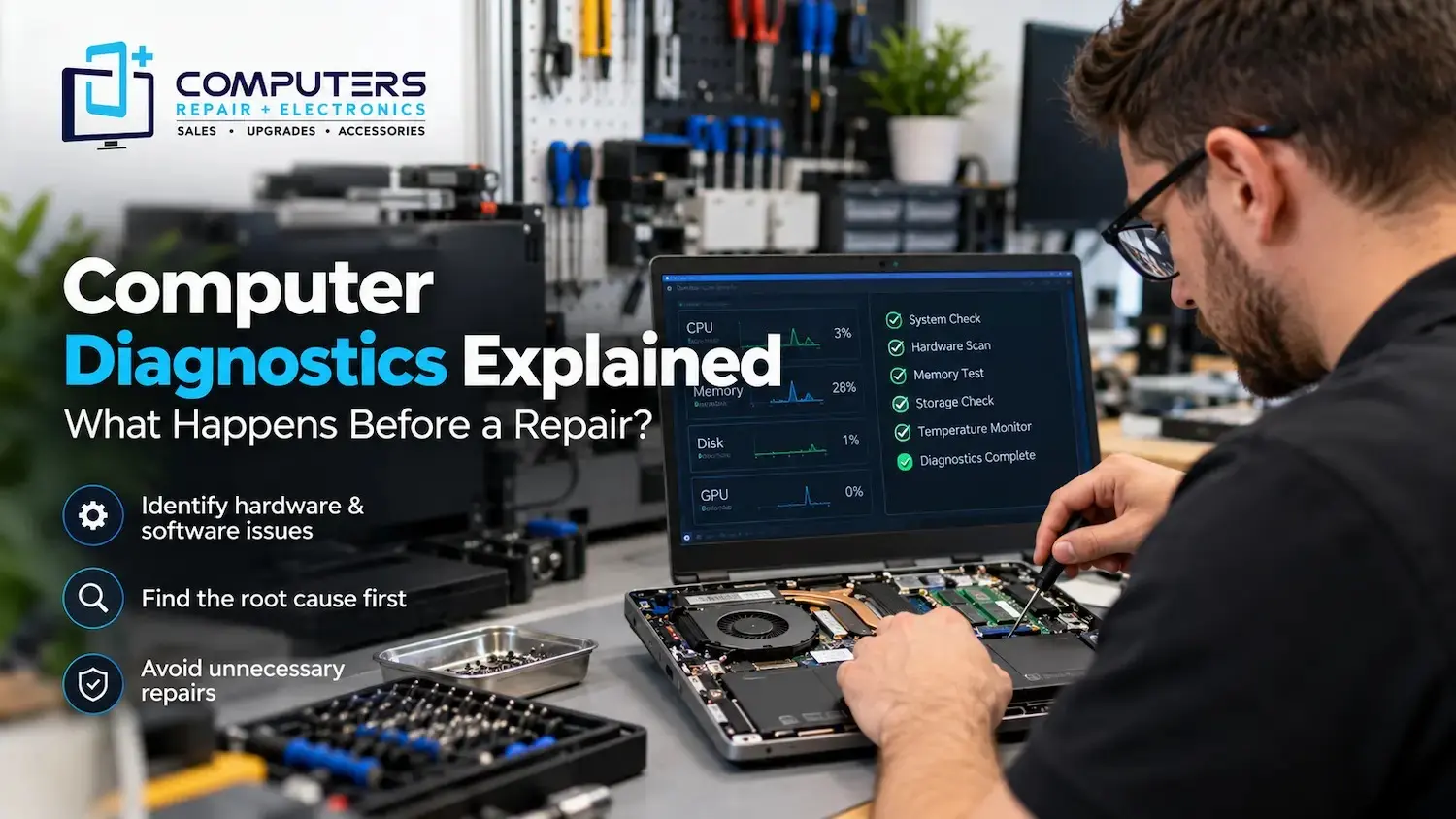
A professional computer repair diagnosis helps identify whether the problem comes from hardware, software, security issues, or another source.
Computers Repair Plus uses troubleshooting and diagnostic approaches to help customers understand their computer problems before deciding on the next step.
Services to Look For in a Local Computer Repair Provider
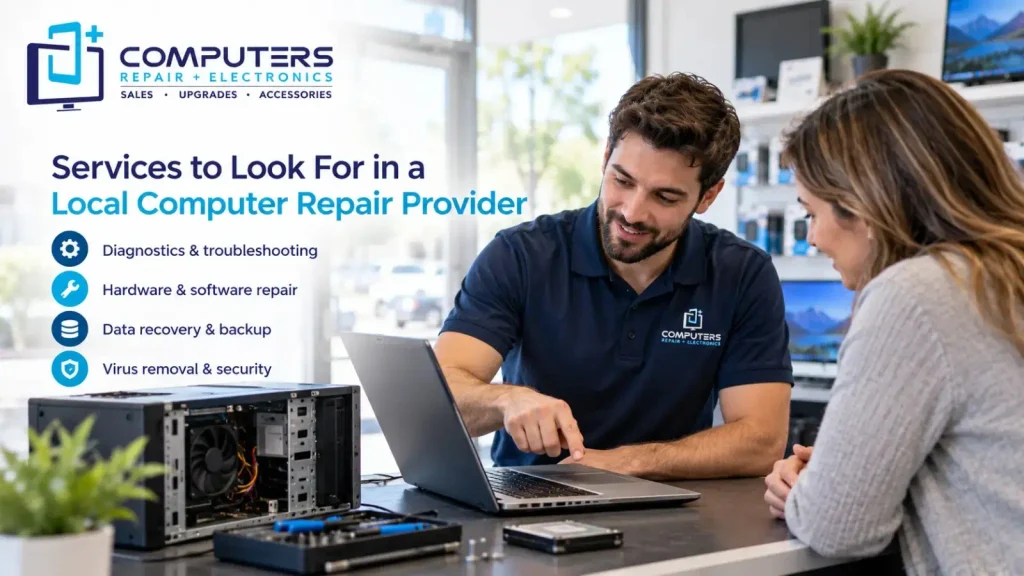
Different repair companies may offer different services. Before choosing where to take your device, consider whether the provider handles your specific issue.
Computer Repair and Upgrades
Many computer problems can be solved without replacing the entire device.
Professional Computer Repair & Upgrades can help with issues such as:
- Performance problems
- Hardware improvements
- System troubleshooting
- Component-related issues
Upgrading certain parts may improve an older computer and extend its usefulness depending on the device condition.
Laptop Repair
Laptops often require specialized troubleshooting because many components are integrated into a smaller design.
Common laptop issues include:
- Battery problems
- Charging failures
- Screen issues
- Keyboard problems
- Overheating
A proper evaluation can help determine whether repair is practical or whether replacement should be considered.
Data Recovery and Backup Support
Computer problems become more stressful when important files are involved.
Photos, business documents, personal files, and other important information may be at risk when a computer experiences storage problems or hardware failure.
Professional Data Recovery & Backup services can help customers protect important information and understand available recovery options.
Virus and Security Issues
Security problems can affect both computer performance and personal information.
Warning signs may include:
- Unexpected pop-ups
- Unknown programs
- Browser changes
- Slow performance
- Unusual system activity
Professional Virus & Malware Protection and Removal can help identify unwanted software and improve computer security.
Is Local Convenience Important?
Convenience is one reason people search for computer service Manatee County providers. A nearby repair option can make it easier to get assistance when a device is affecting work, school, or personal activities.
However, convenience should be balanced with service quality.
Before choosing a provider, consider:
- Can they explain the problem clearly?
- Do they offer the service you need?
- Do they provide repair and upgrade options?
- Can they help you decide between fixing and replacing your device?
A good repair experience should leave you understanding what happened and what steps are available.
Repair or Replace Your Computer: What Makes Sense?
Sometimes customers are unsure whether repairing their current computer is worthwhile.
Repair may make sense when:
- The device still meets your needs
- The issue is limited to one component
- An upgrade can improve performance
- The overall condition is good
Replacement may be considered when:
- Multiple major components are failing
- The computer no longer supports your daily tasks
- Repair is unlikely to provide a long-term solution
For customers considering a new system, Computers Repair Plus also provides New Computer Sales to help users explore different options based on their needs.
What Makes a Computer Repair Provider Worth Choosing?
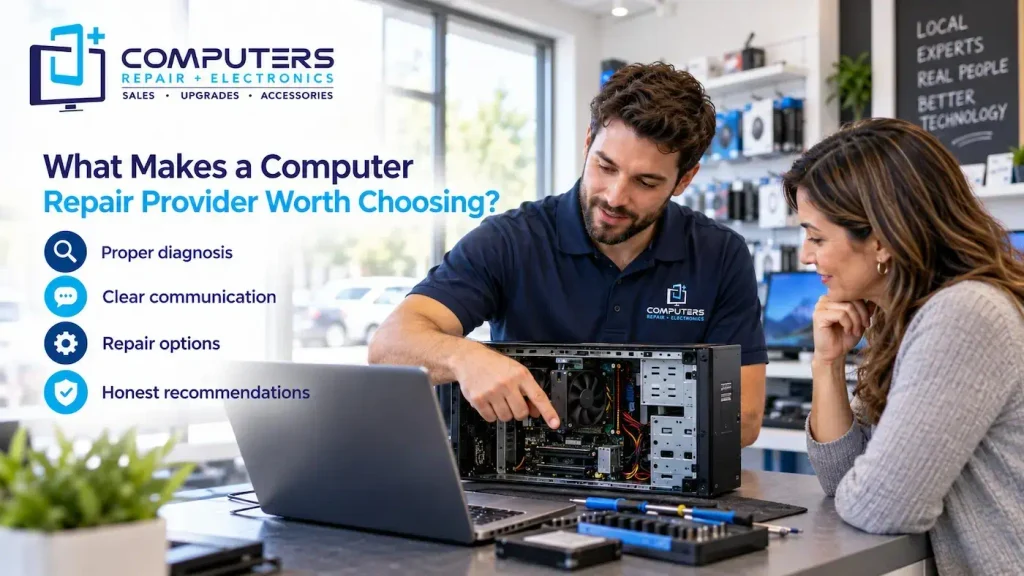
Regardless of whether you are searching in Bradenton, Lakewood Ranch, or nearby areas, look for a provider that focuses on solving the actual problem.
A helpful repair process should include:
- Understanding your symptoms
- Checking the device properly
- Explaining possible solutions
- Helping you make an informed decision
The goal should not simply be replacing parts. It should be finding the right solution for your specific computer and situation.
Choosing between computer repair options in Bradenton and Lakewood Ranch is not only about distance. The right provider should offer proper diagnosis, clear communication, and solutions that match your needs.
Whether your computer needs troubleshooting, upgrades, security assistance, data protection, or repair, understanding the cause of the problem is the first step.
Computers Repair Plus serves customers in Bradenton, Lakewood Ranch, Sarasota, and surrounding areas by helping users understand their computer issues and choose practical solutions.
If your computer is not performing the way it should, getting the problem evaluated can help you decide what to do next.
Frequently Asked Questions
Should I choose computer repair based only on location?
Location is important for convenience, but it should not be the only factor. Consider the provider’s services, diagnostic process, communication, and ability to solve your specific problem.
How do I find reliable computer repair near me?
Look for a provider that offers clear explanations, proper troubleshooting, and services that match your computer issue instead of choosing only based on proximity.
Does computer repair include both hardware and software problems?
Many computer repair providers handle both hardware and software issues, including performance problems, system errors, security concerns, and component-related failures.
Is it better to repair my laptop or buy a new one?
It depends on the laptop’s condition, age, and the type of problem. A proper diagnosis can help determine whether repair, upgrading, or replacement makes the most sense.
How do I know if my computer needs professional troubleshooting?
If your computer is slow, frequently crashes, overheats, shows security warnings, or has hardware problems, professional troubleshooting can help identify the cause.
Can a computer repair service help protect my files?
Yes. Services such as Data Recovery & Backup can help customers protect important files and address issues related to data access or storage problems.