Many computer issues start small. Your device may become slightly slower, the fan may run louder than usual, or programs may take longer to open. These problems are often easy to overlook, especially when the computer still turns on and appears to work.
However, ignoring early warning signs can sometimes lead to bigger problems, including data loss, hardware failure, or the need for more expensive repairs. Understanding the common computer problems that affect performance can help you take action before a minor issue becomes a major inconvenience.
Whether you use a computer for work, school, business, or personal tasks, paying attention to unusual behavior is important. Computers Repair Plus helps customers in Bradenton, Lakewood Ranch, Sarasota, and surrounding areas understand computer issues and find practical solutions based on their device’s condition.
Need help identifying what is wrong with your computer? Contact Computers Repair Plus or call (941) 567-6431 to discuss your symptoms and understand your repair options.
1. A Slow Computer That Keeps Getting Worse
A slow PC is one of the most common problems users experience. Many people assume their computer is simply old, but slow performance can happen for several reasons.
Common causes include:
- Too many startup programs
- Limited storage space
- Low available memory (RAM)
- Background applications using system resources
- Malware or unwanted software
- An aging hard drive
A computer that takes several minutes to start, freezes while opening programs, or struggles with everyday tasks may need attention.
Before replacing the computer, it is worth identifying the actual cause. In some cases, a system cleanup, hardware upgrade, or professional diagnosis can improve performance and extend the useful life of the device.
Computers Repair Plus provides Computer Repair & Upgrades services to help customers understand whether their current computer can be improved or whether replacement is a better option.
2. Computer Overheating and Loud Fans
A computer that becomes unusually hot or constantly runs its fans at high speed should not be ignored.
Computer overheating can happen because of:
- Dust buildup blocking airflow
- Poor ventilation
- Cooling system problems
- Heavy software usage
- Failing internal components
Heat affects more than comfort. Excessive temperatures can reduce hardware lifespan and may cause unexpected shutdowns, performance drops, or system instability.
Users should avoid placing laptops on soft surfaces like beds or couches because they can block air vents. Keeping vents clear and using the computer in a well-ventilated area can help.
If overheating continues, a professional computer diagnostic can help determine whether the problem is related to cooling, hardware, or software.
3. Frequent Freezing, Crashing, or Unexpected Restarts
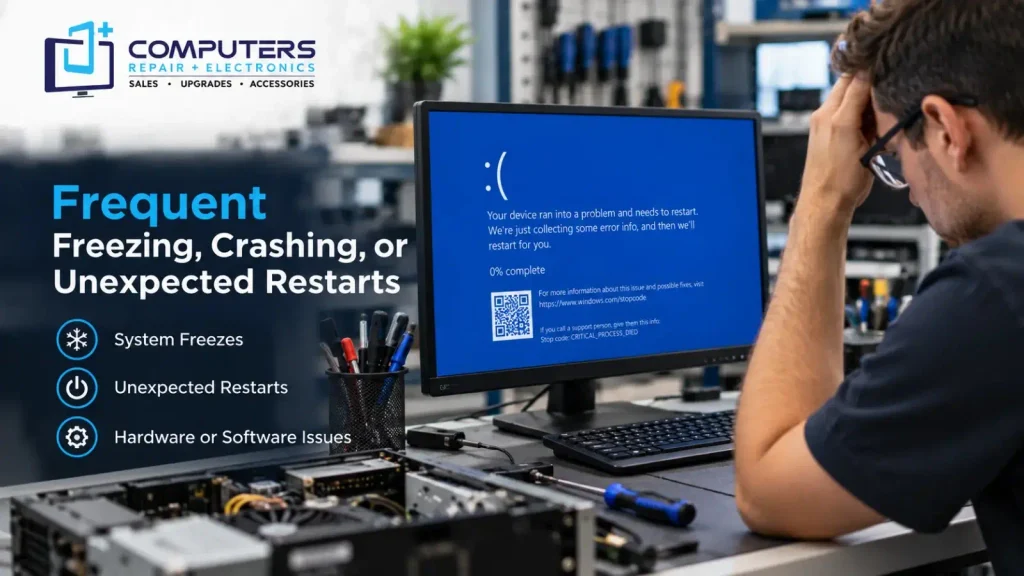
A computer that freezes regularly or restarts without warning may be experiencing a deeper issue.
Possible causes include:
- Hardware problems
- Driver conflicts
- Operating system errors
- Overheating
- Failing storage devices
- Memory issues
Occasional software glitches can happen, but repeated crashes should not become normal. Continuing to use a computer with ongoing instability may increase the risk of losing important files.
Before attempting major repairs or system changes, it is important to protect important documents, photos, and business files. Professional Data Recovery & Backup solutions can help users protect valuable information and prepare for unexpected hardware failures.
4. Slow Startup and Long Loading Times
Waiting several minutes for a computer to start can become frustrating and affect productivity.
Slow startup problems are often caused by:
- Too many programs launching automatically
- Older storage drives
- Windows system issues
- Unnecessary background processes
Many users install applications over time and forget that some programs automatically run whenever the computer starts.
Reviewing startup settings and removing unnecessary programs can sometimes improve performance. However, if the problem continues, the hardware itself may need evaluation.
For older computers, upgrading certain components may provide better performance without requiring a complete replacement.
5. Pop-Ups, Suspicious Messages, or Unusual Behavior
Unexpected pop-ups, unknown applications, browser redirects, and unusual slowdowns may indicate unwanted software or malware.
Signs that may require attention include:
- Programs opening without permission
- Browser settings changing unexpectedly
- Security warnings appearing frequently
- High system usage when no programs are running
These issues should not be ignored because unwanted software can affect performance and may put personal information at risk.
Professional Virus & Malware Protection and Removal can help identify suspicious software, remove threats, and improve system security.
Avoid downloading random “computer cleaner” tools from unfamiliar websites, as some programs advertised as solutions can create additional problems.
6. Battery and Charging Problems on Laptops
Laptop users often notice battery problems gradually. The device may hold less charge than before, shut down unexpectedly, or only work while connected to power.
Common causes include:
- Aging battery cells
- Charging port problems
- Faulty chargers
- Power management issues
- Hardware damage
A battery issue does not always mean the entire laptop needs replacement. A proper diagnosis can determine whether the battery, charger, charging system, or another component is responsible.
For customers looking for laptop repair in Bradenton, understanding the actual cause of the problem can help avoid unnecessary expenses and make better repair decisions.
7. Strange Noises or Hardware Warning Signs
Unusual sounds from a computer should not be ignored.
Examples include:
- Clicking sounds from a hard drive
- Loud grinding fans
- Repeated beeping during startup
- Unusual buzzing noises
These sounds may indicate mechanical problems or failing components.
If a computer is making unusual noises, avoid delaying action, especially if important files are stored on the device. Continuing to use failing hardware can sometimes make recovery more difficult.
A professional computer diagnostic can help identify the source of the issue and determine the next appropriate step.
Why Early Computer Diagnosis Matters
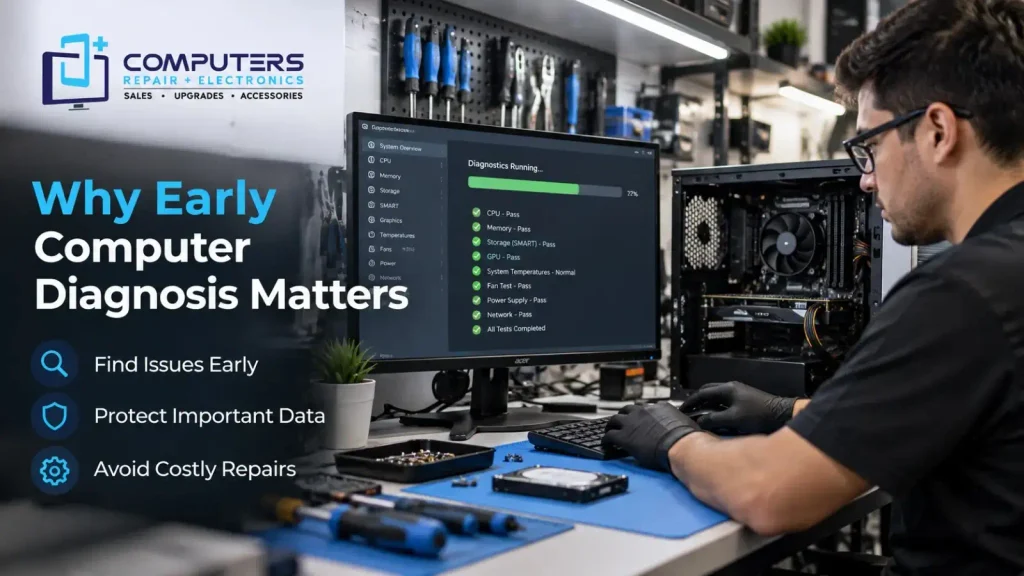
Many computer problems become more complicated when ignored. A slow computer today may eventually stop working. A small overheating issue may contribute to hardware damage over time.
The challenge is that similar symptoms can have different causes. For example, a slow computer could be caused by storage problems, malware, insufficient memory, or operating system issues.
A proper diagnosis helps identify the actual problem instead of replacing parts unnecessarily.
Computers Repair Plus helps customers in Bradenton and nearby areas evaluate computer issues and understand available solutions. Whether your device needs troubleshooting, repair, upgrades, or guidance about replacement options, understanding the cause is the first step.
Repair or Replace: What Should You Do?
Not every computer problem means you need a new device.
Repair may make sense when:
- The computer still meets your needs
- The issue is limited to a specific component
- A repair or upgrade can improve performance
A replacement may be worth considering when:
- Multiple major components are failing
- The computer no longer supports your needs
- Repair costs are not practical compared with a newer device
For customers considering a new system, Computers Repair Plus also provides New Computer Sales to help users choose a computer based on their needs.
Computers often provide warning signs before serious problems happen. Slow performance, overheating, crashes, security issues, and hardware warnings are some of the most common computer problems users experience.
Ignoring these symptoms can lead to bigger disruptions, but early attention can help protect your device and important files.
If your computer is showing warning signs or you are unsure what is causing the issue, Computers Repair Plus can help you understand your options. Call (941) 567-6431 for computer repair assistance in Bradenton, Lakewood Ranch, Sarasota, and surrounding areas.
Frequently Asked Questions
What are the most common computer problems people experience?
Some of the most common issues include slow performance, overheating, freezing, startup problems, malware infections, battery issues, and hardware failures.
Why is my computer running slowly?
A slow computer can be caused by many factors, including too many background programs, limited storage, malware, outdated hardware, or insufficient system resources.
Should I repair my computer or buy a new one?
The right choice depends on the computer’s condition, age, performance, and the type of problem. A professional evaluation can help determine whether repair or replacement makes more sense.
How do I know if my computer has malware?
Signs of malware may include unusual pop-ups, unknown programs, browser changes, slow performance, and unexpected system activity.
Can overheating damage my computer?
Yes. Excessive heat can affect performance and may contribute to hardware problems over time. Proper airflow and professional diagnosis can help address overheating issues.
When should I get professional computer repair?
You should consider professional repair when problems continue after basic troubleshooting, your computer is affecting daily tasks, or you notice signs of hardware failure or data risk.