Losing important files can be stressful, especially when your computer suddenly stops working, a hard drive fails, or a device becomes inaccessible. Photos, business documents, school files, and personal information may feel impossible to recover when your device no longer opens normally.
Understanding the data recovery cost in Bradenton can help you make a better decision before taking action. The cost of recovering files depends on several factors, including the type of device, the cause of failure, the condition of the storage drive, and the recovery process required.
At Computers Repair Plus, customers in Bradenton, Lakewood Ranch, Sarasota, and surrounding areas can get help understanding their computer issues and available repair or recovery options. A proper evaluation can help determine what steps make sense for your specific situation.
Need help understanding whether your files can be recovered? Contact Computers Repair Plus or call (941) 567-6431 to discuss your data recovery options and next steps.
What Factors Affect Data Recovery Cost?
There is no single price that applies to every data recovery situation because every device failure is different. Two computers with similar symptoms may require completely different solutions depending on what caused the problem.
Some of the main factors that influence recovery difficulty include:
Type of Storage Device
The type of storage device plays an important role in determining the recovery process.
Traditional hard drives (HDDs) and newer solid-state drives (SSDs) store information differently, which can affect the methods used to access lost files.
For example:
- Hard drive recovery cost may depend on whether the drive has software issues, damaged sectors, or physical problems.
- SSD data recovery can involve additional challenges because of how modern flash storage manages and stores information.
- External drives, USB devices, and other storage media may also require different recovery approaches.
Cause of Data Loss
The reason files became inaccessible is another major factor.
Common situations that may require data recovery include:
- Computer or laptop not turning on
- Accidental deletion of important files
- Corrupted storage devices
- Operating system problems
- Hard drive errors
- Damaged storage hardware
A device that has a simple software issue may require a different approach compared with a drive experiencing physical damage.
Condition of the Drive
The physical condition of the storage device can significantly affect the recovery process.
A drive that is still detected by a computer may be easier to work with than one that is completely unresponsive. Continuing to use a failing drive can sometimes make the situation worse because new activity may overwrite recoverable information.
If you notice unusual sounds, repeated errors, or sudden performance issues, avoiding unnecessary use may help protect your data.
Hard Drive Recovery Cost: What Customers Should Understand
Many people search for hard drive recovery costs after experiencing problems such as clicking noises, slow performance, missing files, or a computer that no longer recognizes the drive.
The important thing to understand is that hard drive recovery is not the same as a normal computer repair. The goal is not only to fix the device but to determine whether the stored information can still be accessed.
Before attempting recovery, consider:
- How important the missing files are
- Whether the drive is still functioning
- Whether additional attempts could damage the data
- Whether replacing the device may be necessary afterward
A professional evaluation can help determine the most practical option based on the condition of the device.
SSD Data Recovery: Why It Can Be Different
Many newer computers use SSD storage because it provides faster performance and improved reliability compared with traditional hard drives. However, SSD failures can create unique recovery challenges.
When an SSD fails, problems may involve:
- Controller failure
- Storage chip issues
- File system corruption
- Drive detection problems
Because SSD technology works differently from traditional hard drives, the recovery process may not be the same.
If your computer uses an SSD and important files are no longer accessible, avoid repeatedly restarting the device or trying multiple recovery tools without understanding the problem. In some situations, incorrect recovery attempts can reduce the chance of successfully retrieving files.
What Should You Do When You Lose Important Files?
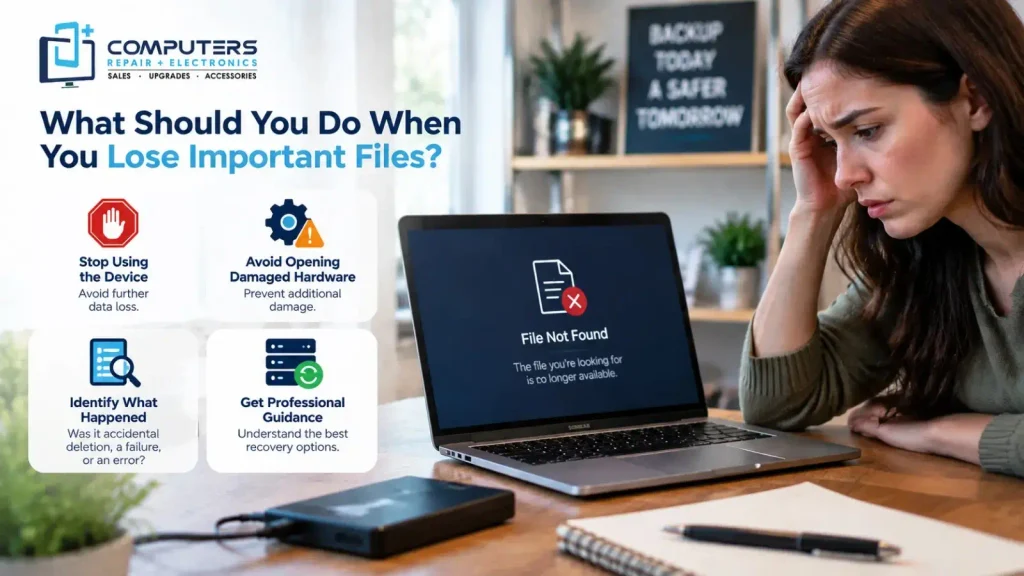
When people lose access to their files, the first reaction is often to search for quick solutions online. While some software tools can help in certain situations, they are not always the right choice.
Before attempting anything, consider these steps:
Stop Using the Device If Possible
Continuing to save files, install programs, or run repeated recovery attempts may create additional problems.
Avoid Opening Damaged Hardware Yourself
If a hard drive has physical damage, opening the device without proper equipment can make recovery more difficult.
Identify What Happened
Understanding the situation helps determine the right next step.
Ask yourself:
- Did files disappear accidentally?
- Did the computer stop working suddenly?
- Is the drive making unusual noises?
- Is the device showing errors?
These details can help a technician better understand the issue.
Is Data Recovery Worth the Cost?
Whether data recovery is worth pursuing depends on the importance of the information and the condition of the device.
For some people, recovering family photos, important documents, business files, or personal records may be extremely valuable. For others, replacing the device may make more sense if the stored information is not important.
A good decision usually comes down to:
- How valuable the missing data is
- Whether another backup exists
- The condition of the storage device
- The likelihood of successful recovery
This is why understanding your options before spending money is important.
Professional Computer Data Recovery Help in Bradenton
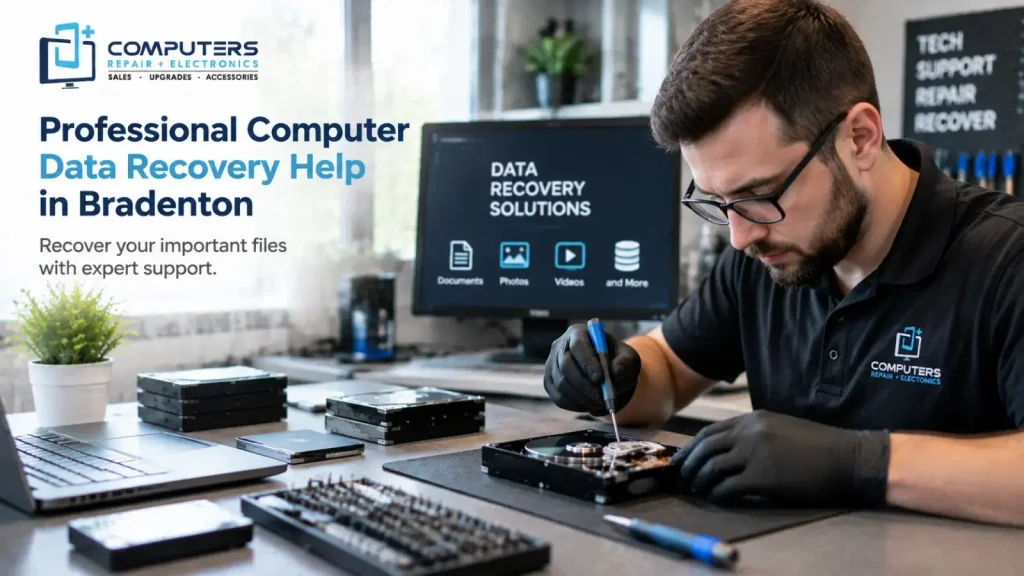
Searching for data recovery near me usually means you need help quickly, especially when important files are involved. However, choosing the right approach matters because incorrect attempts can sometimes make recovery more difficult.
Computers Repair Plus helps customers with computer-related issues, including data recovery and backup solutions, along with computer repair and upgrades, phone and tablet repair, custom-built PCs, and other technology services.
For customers in Bradenton, Lakewood Ranch, Sarasota, and nearby areas, professional guidance can help determine whether recovery, repair, or another solution makes the most sense.
How to Prevent Future Data Loss
While not every failure can be prevented, regular backups can reduce the impact of unexpected problems.
Helpful habits include:
- Keeping important files backed up
- Updating your computer regularly
- Avoiding ignoring warning signs from your device
- Using reliable storage practices
A backup strategy can save time, stress, and potentially the need for future recovery.
Final Thoughts
The data recovery cost in Bradenton depends on many factors, including the type of storage device, the reason for data loss, and the condition of the hardware.
There is no universal solution because every recovery situation is different. The best first step is understanding what happened, protecting the remaining data, and getting professional guidance when needed.
If you are dealing with missing files, a failed drive, or a computer that will not access your information, Computers Repair Plus can help you understand your available options.
Frequently Asked Questions About Data Recovery Cost in Bradenton
How much does data recovery usually cost?
The cost of data recovery varies depending on the device type, cause of failure, and complexity of the recovery process. A simple software-related issue may be different from a damaged storage device requiring more advanced recovery methods.
Is SSD data recovery more difficult than hard drive recovery?
SSD data recovery can be more complex because SSDs use different storage technology than traditional hard drives. The difficulty depends on the type of failure and the condition of the drive.
Can deleted files always be recovered?
Not always. Recovery depends on factors such as whether the deleted data has been overwritten and the condition of the storage device. Acting quickly can improve the chances of successful recovery.
Should I keep using my computer after losing important files?
It is usually best to minimize use if important files are missing. Continued activity can potentially overwrite data that may still be recoverable.
Where can I find data recovery near me in Bradenton?
Customers looking for data recovery near them can contact Computers Repair Plus for guidance on computer-related issues, including data recovery and backup solutions in the Bradenton area.
Is repairing my computer better than replacing it after data loss?
It depends on the condition of the computer and the value of the data. Sometimes repairing the device makes sense, while other situations may require replacing hardware after recovering important files.